EasyManua.ls Logo

Eureka NER650 - User Manual

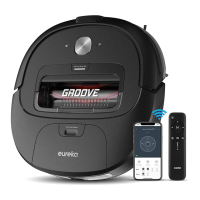
Eureka NER650
24 pages
Print Icon
To Next Page IconTo Next Page
Loading...
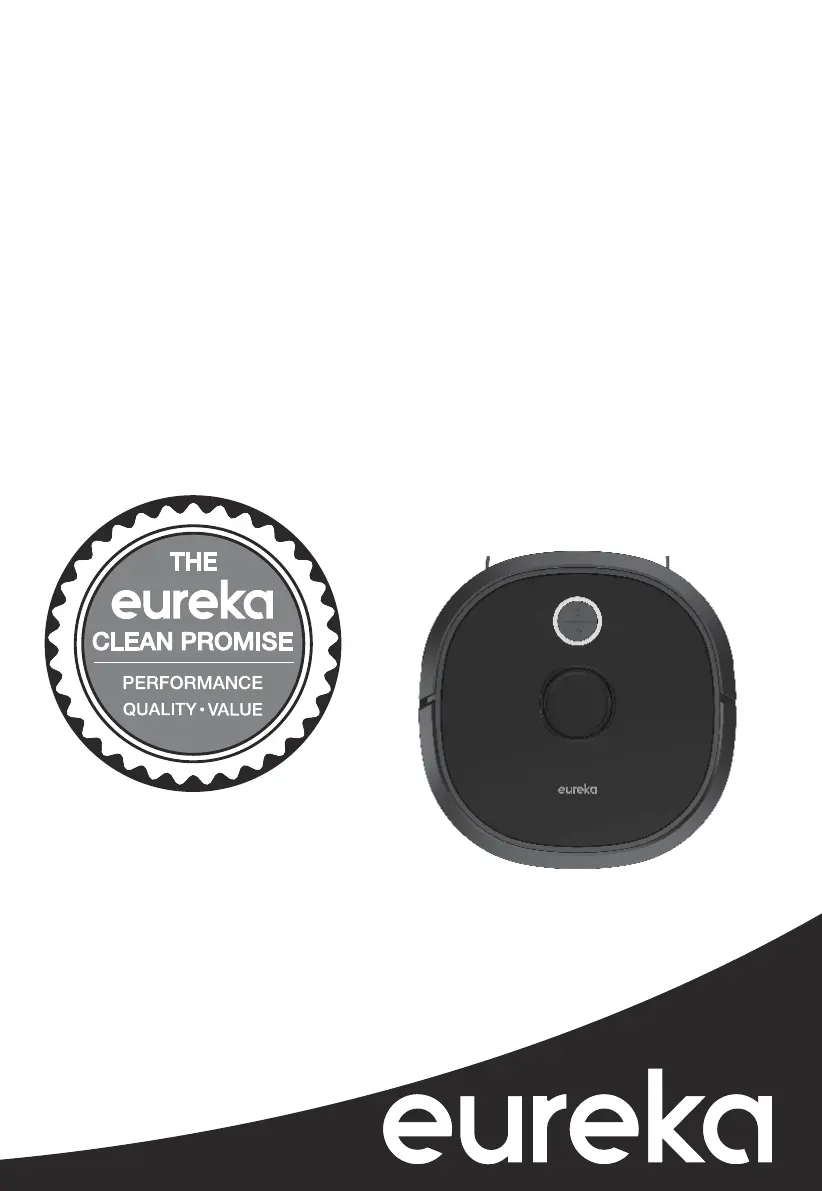
Thank you for purchasing your new Eureka vacuum!
Important instructions
For easy assembly, please take a few moments to read this
owner’s guide.
If you have questions about your new vacuum, please
contact our customer service HELPLINE at 1-800-282-2886.
We’re here to help!
www.eureka.com
Owner’s Guide
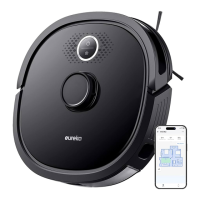
NER650
Robotic vacuum cleaner; household type

Questions and Answers

  • A
    Andrew WilliamsSep 10, 2025
    What to do if Eureka NER650 Vacuum Cleaner laser radar is not working?
    • C
      Colleen LynchSep 10, 2025
      If the laser radar on your Eureka Vacuum Cleaner is not working: * Press around the radar house to verify whether it will rebound and whether there is a "click" sound from switch closure. * Check for any debris, and then manually turn the radar slightly to see whether it can rotate. * Wipe off dust regularly to ensure the radar is clean for best performance.
  • K
    Krista SantosAug 22, 2025
    How to fix Eureka Vacuum Cleaner wheels that are not rotating?
    • L
      Lauren KnoxAug 23, 2025
      If the wheels are not rotating or the side brushes are not spinning on your Eureka Vacuum Cleaner, turn over the robot and turn the wheel back and forth to check for hair and debris. Clear the debris and clean the side brush regularly.
  • W
    Walter FrancoAug 25, 2025
    How to fix Eureka NER650 Vacuum Cleaner delayed app operations?
    • K
      Kathy FosterAug 25, 2025
      If you are experiencing delayed reactions with your Eureka Vacuum Cleaner app, restart the router and reduce the number of users connected to it. Also, check your mobile device's settings to ensure it is connected to Wi-Fi and that the Wi-Fi is working properly.
  • J
    John JohnsonAug 26, 2025
    How to fix Eureka NER650 software update failure?
    • L
      laurajamesAug 27, 2025
      If the software update fails on your Eureka Vacuum Cleaner, place the robot on the charging dock and ensure it is fully charged. Also, ensure your Wi-Fi connection is stable and the device is properly paired when updating the software.
  • S
    Sarah JonesAug 27, 2025
    How to fix Eureka NER650 Vacuum Cleaner robot speaker not working?
    • B
      Bryan ArnoldAug 28, 2025
      If the speaker on your Eureka Vacuum Cleaner robot is not working, turn off the silence mode in the app and turn up the volume in the Eureka app.
  • R
    rachelgoodAug 29, 2025
    Why is my Eureka NER650 app showing the robot is disconnected?
    • M
      Monica RobinsonAug 29, 2025
      If your Eureka Vacuum Cleaner app indicates that the robot is disconnected, try the following: * Reconnect the robot to Wi-Fi. * Restart the router. * Ensure the robot cleaner's power switch is turned on. * If needed, re-add the robot following the initial pairing instructions. * After system startup, long press the network pairing key on the robot for 3 seconds until you hear a beep, then add a new device according to the app's guidelines.
  • J
    John GoodmanSep 18, 2025
    Why Eureka NER650 Vacuum Cleaner does not clean at scheduled times?
    • J
      jeremy85Sep 18, 2025
      If your Eureka Vacuum Cleaner does not clean at scheduled times: * Ensure the robot is turned on. * Ensure the remaining battery level is sufficient. * Check scheduled cleaning times in the App: check whether the status key is turned on, the scheduled cleaning time is correct, and the cleaning frequency is only one time (if you want the robot to have a reoccuring cleaning time, reset the timing schedule in the App). * Make sure the robot is sitting correctly on the charging dock and has fully recharged. * Ensure there is no dust blocking the front sensors and the contact charging points on the bottom of the robot. * In "Setup" menu items, click "Device Info Item", then click "Sync Now" under the time zone section to ensure the robot is programmed to your correct time zone.
  • D
    Deborah HuntSep 12, 2025
    What to do if Eureka NER650 Vacuum Cleaner front bumper is not working?
    • C
      Courtney EdwardsSep 12, 2025
      If the front bumper on your Eureka Vacuum Cleaner is not working: * Tap the front bumper to see whether it will rebound smoothly, and check the bumper for debris around the front and bottom. * Clean dust from radar sensors.
  • K
    Katrina EdwardsSep 8, 2025
    Why does my Eureka NER650 Vacuum Cleaner make abnormal noise from the rolling brush?
    • S
      salinasmarcSep 8, 2025
      If there is an abnormal noise coming from the rolling brush of your Eureka Vacuum Cleaner, turn over the robot, remove the rolling brush cover and then the rolling brush. Use the cleaning tool to remove anything that is entangled in the rolling brush.
  • S
    Shari WebbSep 5, 2025
    Why won't my Eureka NER650 turn off?
    • A
      Alison OnealSep 5, 2025
      If your Eureka Vacuum Cleaner will not turn off: * Move the robot off of the charging dock, and long press the power key for about 3 seconds, then remove your finger after the power indicator begins to flash. * Turn over the robot, press the red key under the nameplate for 1 second with a small cleaning tool or pointed object.

Summary

Important Safeguards

Parts and Components

Robot Part Identification

Quick Assembly and Setup

Charging Dock Setup

Guidance on placing and connecting the charging dock.

Charging and Home Mapping

Robot Charging Procedure

Steps for charging the robot and understanding charging indicators.

Robot Operation Guide

Startup and Basic Operation

Covers powering on, starting, pausing, and standby modes.

Charging and Shutdown

Details how to return the robot to charge and shut it down.

App and Smart Home Integration

Robot Maintenance Guide

Component Cleaning Procedures

Troubleshooting Common Issues

Eureka NER650 Specifications

General IconGeneral
BrandEureka
ModelNER650
CategoryVacuum Cleaner
LanguageEnglish

Related product manuals