Before running the robot, clear area of power cords,
pull cords for curtains or blinds, clothing and fragile items.
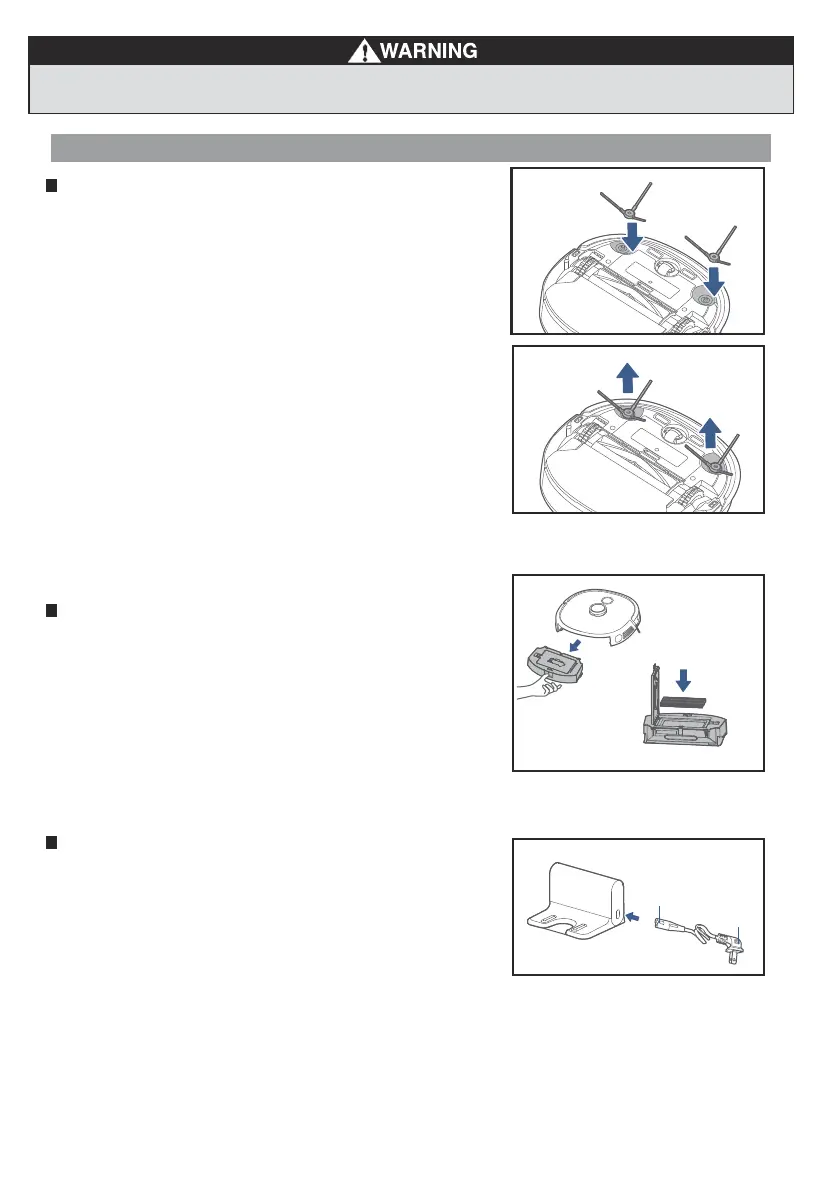
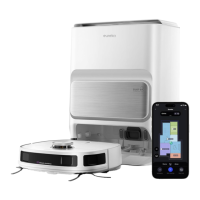
Setting up charging dock
Place the back of the charging dock flush against a wall and ensure
there are at least 3 feet of free space along the wall on either side
and 4.5 feet of free space in front of the dock so the robot is not blocked.
Connect the end of the charger into the port on the lower right side of
the dock ensuring that it is securely attached. Then plug other end of the
charger into a power outlet.
1.
2.
Installation of side brushes
Attach the correct color side brush to the matching post and push
down until you hear it "click" into place.
1.
To remove the side brushes for maintenance, place the robot on a
flat surface with the bottom facing up, use two hands to carefully
pull up on the rubber legs of the side brush and remove any caught
hair or debris.
2.
End A
End B
Quick Assembly
Filter installation
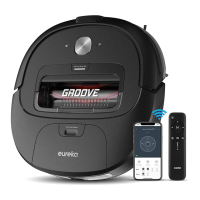
Robot comes with filter installed. Before use, ensure the filter is securely
in place. If not, remove dustbin from robot, pull up lid of dustbin and make
sure filter is snapped into place. Ensure dustbin lid and bottom latch
are securely closed and place back dustbin onto robot.
10
Eureka Customer Service HELPLINE 1-800-282-2886





 To Next Page