1514
Register at the FRITZ!Box (manually)
1. Installation at the radiator
2. Adapt
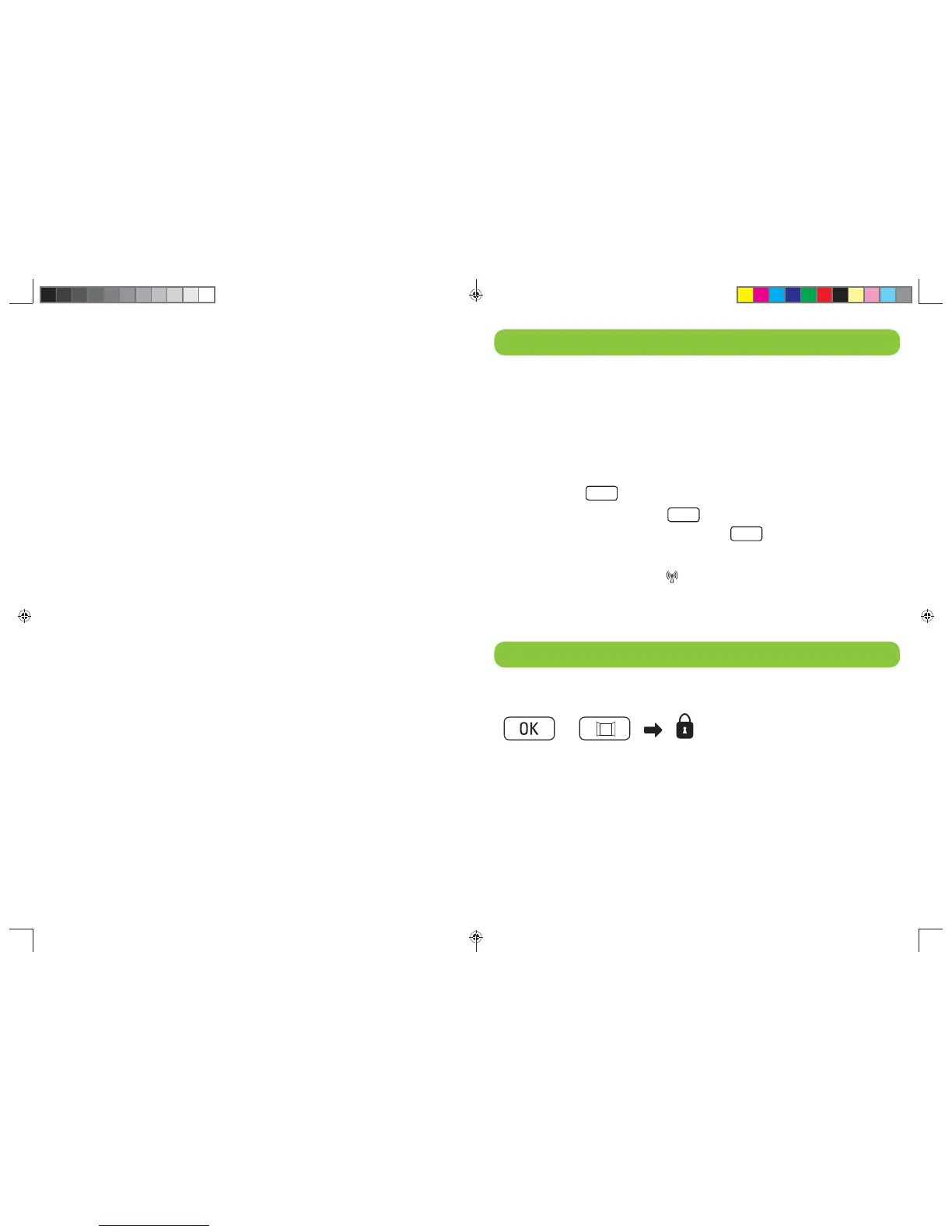
3. Press the button „DECT“ at your FRITZ!Box.
Press the button until the light-emitting diode „Info“
flashes on the FRITZ! Box.
4. Press the
MENU
button on the device and confirm the
menu item
FUNK with
OK
. The display flashes SUCH.
Confirm by pressing the button
OK
. OK lights up
briefly on the display. The radio connection is
established when the
icon in the display lights up
continuously.
Push Service
The Push Service transmits an email with information
about the status of the smart home device for important
events, e.g. low battery, lost radio connection or fault on
the radiator controller. The overview shows you which
push services are enabled in the FRITZ!Box. Confirm
with OK.
Setting Push Service
Select in the menu „System“ the item „Push Service“.
Adjust, when and by which smart home device you want
to receive notifications.
Temperature change (fast access)
On the page „Smart Home“ (page of the Device
Overview) you can adjust the current temperature.
The temperature is maintained until the next change
from Comfort to Economy temperature (or vice versa)
that is dictated by the timer. The „temperature set“
may possibly differ from the „measured temperature“.
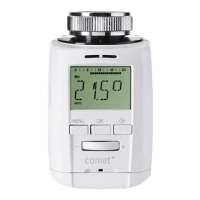
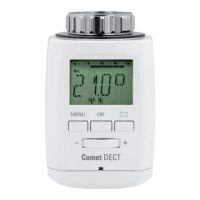
Setting on Comet DECT
If you press both buttons for about 2 seconds
simultaneously, the device is locked or unlocked.
Key lock
+
Heft-85x120mm-en.indd 14-15Heft-85x120mm-en.indd 14-15 25.01.2016 15:52:2125.01.2016 15:52:21


 To Next Page