46
Deleting a Job
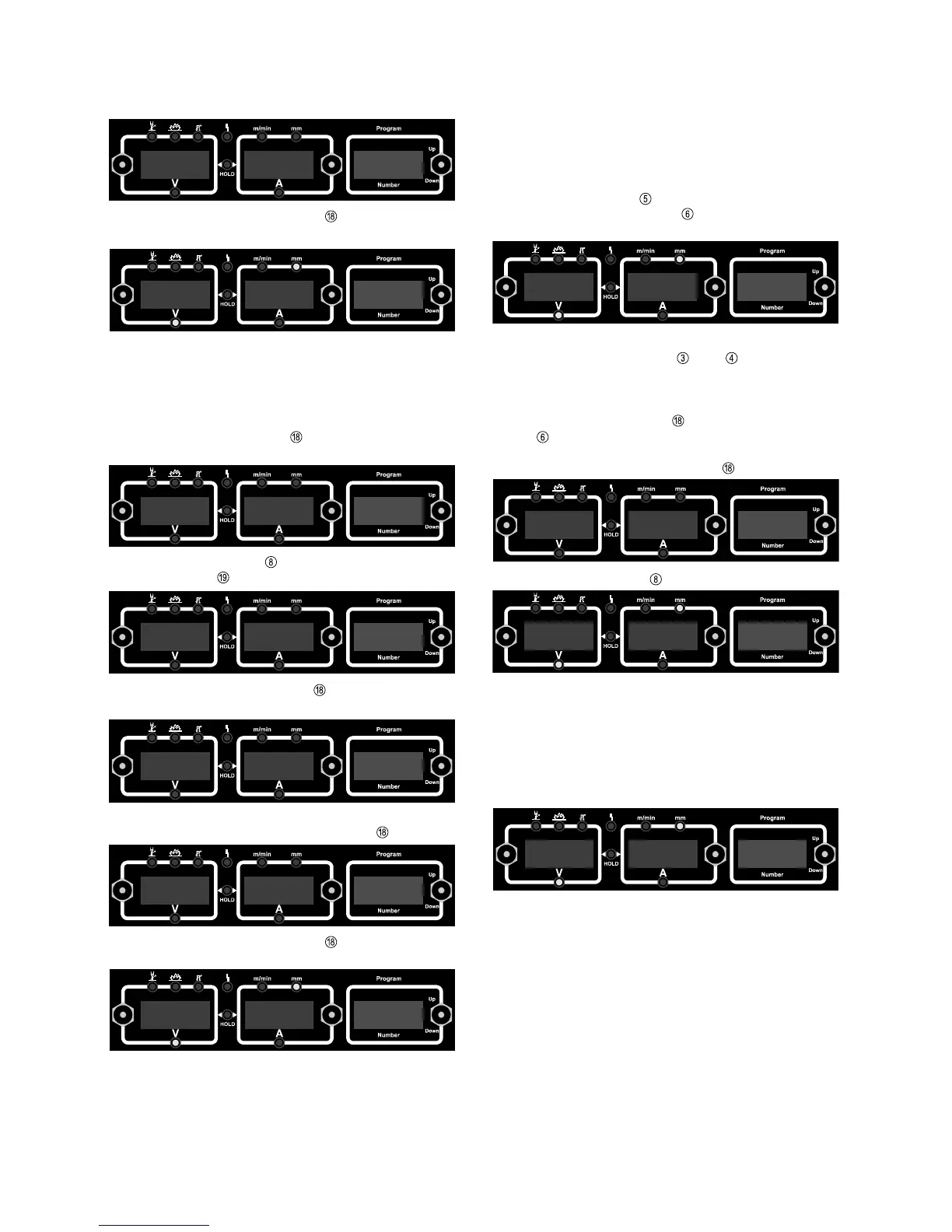
A job that has been stored to a program location can also be
deleted again. To delete a job, proceed as described below:
- Briefly press down MEM button to change to the job menu.
The first vacant program location for the Job is indicated.
- With the Program button
, select the job to be deleted
(Indicator CLEAR lights up)
- Press up and hold the MEM button . The left-hand display
reads “dEL” - the job is deleted.
- Briefly press down the MEM button
to exit from the job
menu
“nPG" appears on the left-hand display to indicate that the
job is now deleted. Release the MEM button
.
Retrieving a Job
Once programmed, all jobs can be retrieved in Job Mode. To
retrieve a job, proceed as follows:
- With the Process button , select MIG/MAG welding
- With the MIG/MAG mode button , select the MIG/MAG job
mode (MEM) - the last job will be displayed
- Using the Program button
to select the desired job
N.B.! When you retrieve a job directly from the power source,
you can also select vacant program locations (symbolised by
“- - -”)
- Start welding - during welding you can always change to
another job without interruption.
- When you change to another program, this finishes Job
Mode.
- Briefly press down the MEM button
to exit from the job
menu
P R G
3
5 . 5
2 4 . 6
2 6
N P G
3
D E L
3
P R G
3
N P G
0
5 . 5
2 4 . 6
2 6
3 . 8
2 0 . 7
2
5 . 5
2 4 . 6
1
P R O
1
To view the settings programmed in this job, use the
Parameter Selection buttons and . The MIG/MAG
operating mode and the welding torch operating mode of the
stored job are displayed.
By pressing the MEM button and the MIG/MAG mode
button at the same time the corresponding program
("characteristic") will be displayed from which the job was
created at first. Press the MEM button to exit.



 To Next Page