Operation introduction
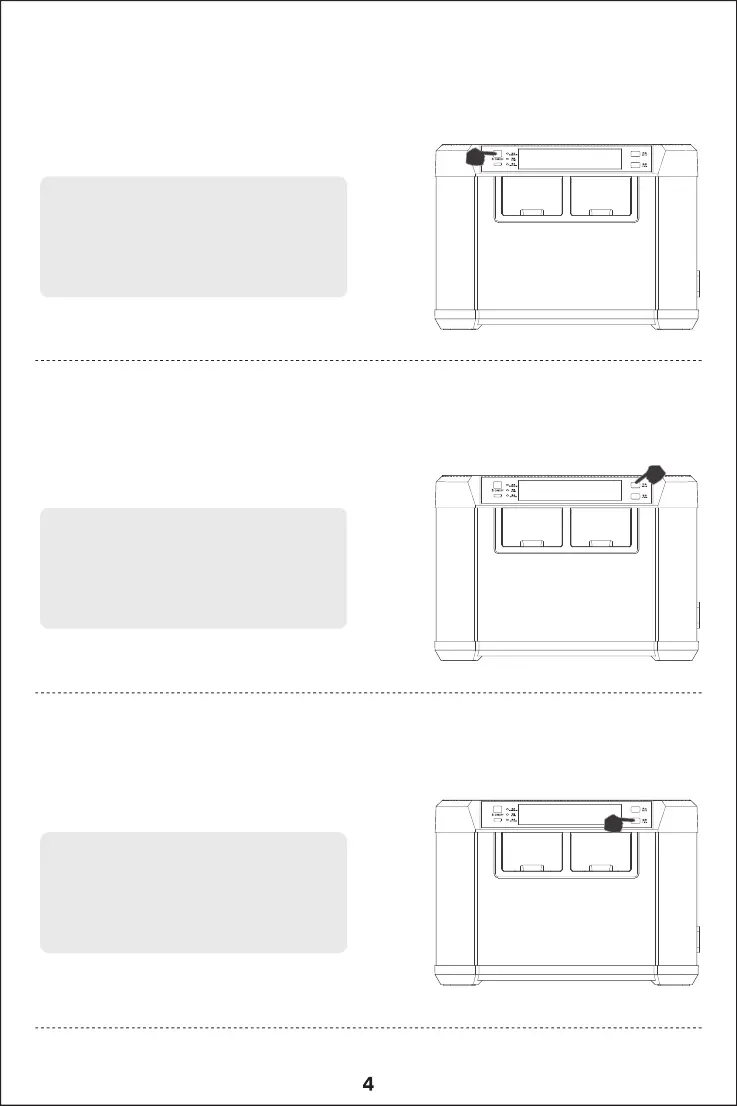
Long press the "main switch key" to turn on/off
Short press after power on to switch between fast
charge/regular/slow charge mode
The current mode can be viewed through the
LED indicator
Please refer to page 2 for LED indicator notes
Long press the "charge button" to enter the
charging mode
Short press to switch charging channels
Long press the "maintenance button" to enter the
maintenance mode
Short press to switch charging channels



 To Next Page