H9 User Guide Tuner
22
Tuner
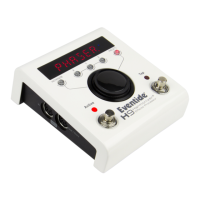
Press and hold the Left and Right Footswitches for 2 seconds to enable the Tuner. When you
play a note the LightRing indicates the degree to which you’re in or out of tune while the
display indicates the note. With the LightRing lit at twelve o’clock you’re in tune. Press either
Footswitch to exit.
When the Tuner is enabled the H9’s audio output is normally muted – this is the default
setting. If instead you prefer you can set the H9 to [BYPASS] directly connecting the H9’s
input to its output. Note that the default reference frequency for the Tuner is “A” 440 Hz.
Instructions for adjusting the reference frequency and for selecting Mute/Bypass can be found
in the System Mode section of this User Guide.


 To Next Page