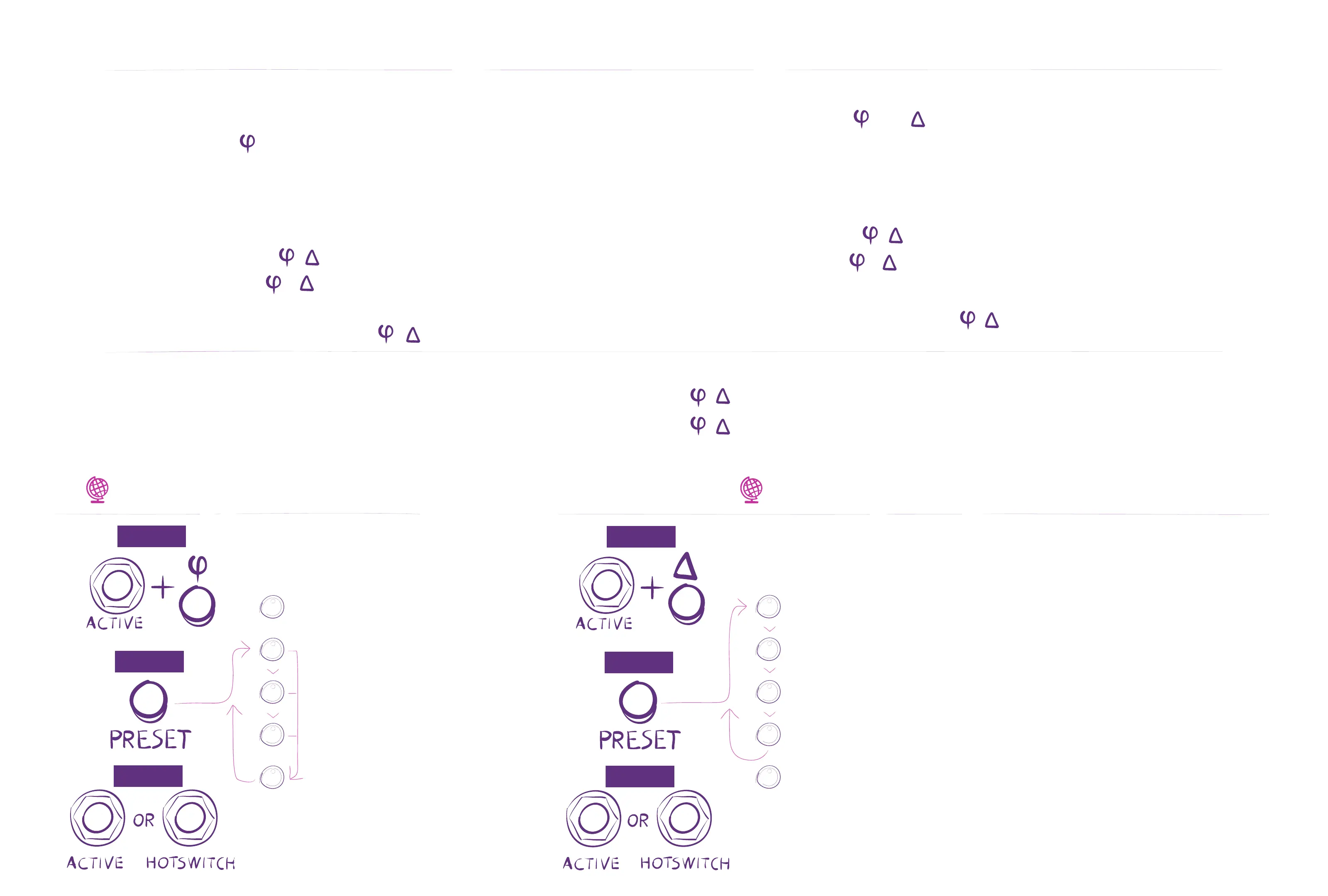
Use the Hotswitch or Aux Switch (or MIDI CC#27) to toggle between A&B OR morph using an Expression Pedal.
Tip: When creating a new preset, you can copy all A settings to B by pressing and holding and .
Tip: Hold down while turning knobs to adjust A & B settings simultaneously.
Programming HOTSWITCH to Toggle Between A/B
1. Confirm/Set HOTSWITCH Function to “ALT A/B.”
2. Move knobs, set , , select Shape as desired.
3. Press and Hold + to copy A to B.
4. Press Hotswitch. LED lit.
5. Change one or moreknobs,, , and or Shape.
Expression Pedal Notes
1. Pedal is disabled when preset loads. Rock to enable.
2. Rock full heel to full toe to calibrate.
3. , and Shape change from A to B settings at Pedal mid-point.
4. , and ALT A/B are overridden by the Expression Pedal.
Programming Expression Pedal to Morph Between A/B
1. Confirm/Set Exp Pdl Jack to “EXP.”
2. Move Expression Pedal to full heel-down position.
3. Move knobs, set , , select Shape as desired.
4. Press and Hold + to copy A to B.
5. Move Expression Pedal to full toe-down position.
6. Change one or moreknobs, , , and or Shape.
Using Alternate Settings: ALT A/B
Set Bypass Mode
BUFFER
RELAY
INPUT KILL
KILL-DRY
HOLD
CLICK
EXIT
Factory Default = Buffered
Toggle on or off for
each setting
Expression Pedal
Recommended impedance: 5k - 25k ohm
Mod/CV - Control Voltage
Range = 0-3.3V
Input impedance = 10k ohm
MIDI Over TRS
Requires a TTL-MIDI adapter box
Set Tip to receive
AUX
EXP
MOD/CV
MIDI
Set Exp Pdl Jack
HOLD
CLICK
EXIT
Factory Default = EXP
Note: Set to EXP to use
expression pedal



 To Next Page