BATTERY INDICATOR WHILE CHARGING:
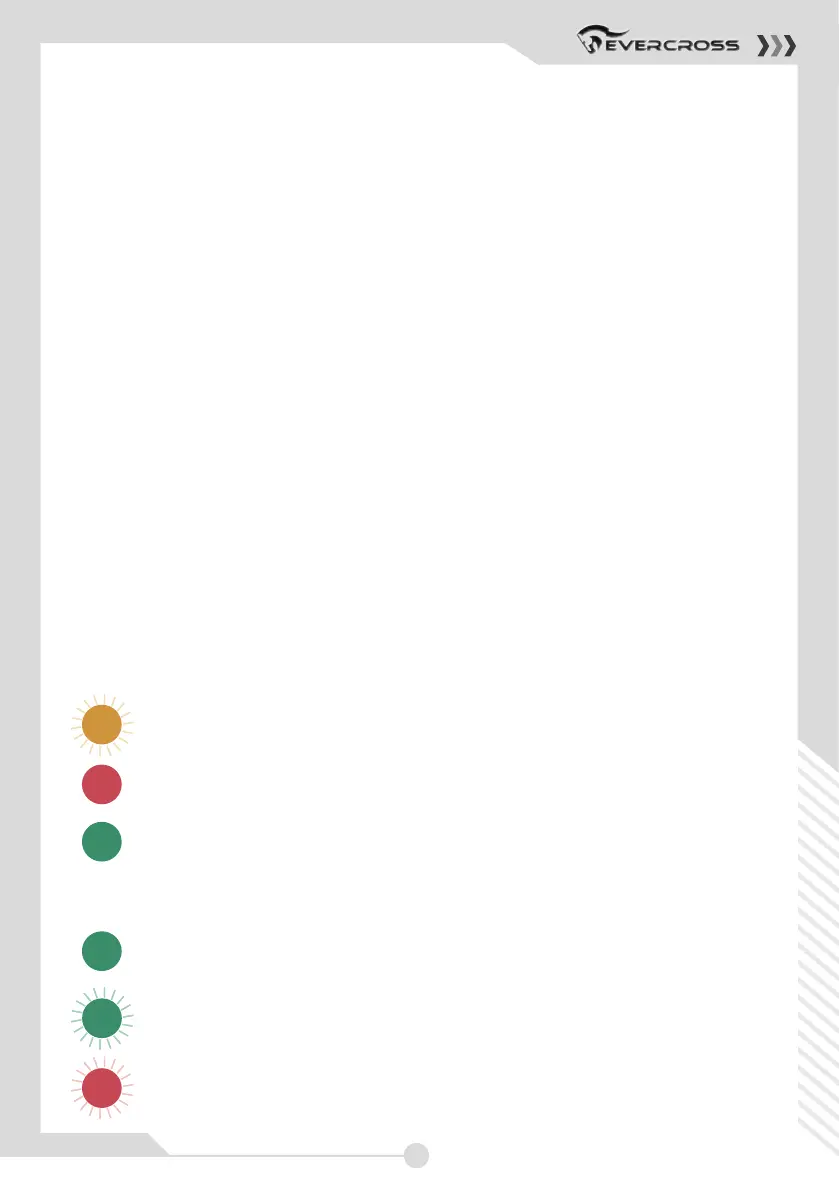
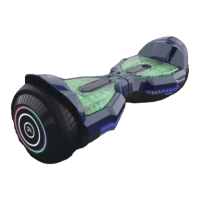
(Hoverboard) Yellow LED light flashing indicates battery is charging.
(Charger) Red LED light charging is not finished.
(Charger) Green LED light charging is finished.
BATTERY INDICATOR WHILE RIDING:
Green LED light indicates from 100 % to 25 % electricity.
Green LED light flashing indicates from 25 % to 15 % electricity.
Red LED light flashing with a sound indicates electricity from
under 15%.
Please do not use the Hoverboard. Please charge the battery.
16
CONTROLS AND DISPLAY
PLEASE READ THE FOLLOWING INSTRUCTIONS CAREFULLY
TURNING YOUR DEVICE ON/OFF
Power On: Take your device out of the box and place it flat on
a level surface. Press the power button once. Check the battery
LED indicator. The battery indicator light should be lit, indicating
the device is powered on.
Power Off: Press the power button once.
MAT SENSOR
There are four sensors under the foot mats on your XP9 Hoverboard.
When riding the hoverboard, you must ensure you are
stepping on the foot mats. Do not step or stand on any other area of your
hoverboard.
Do not put items on the foot mats. Doing so will make the
XP9 turn on, and increase the probability of collision and cause injury to
people, riders, or damage the device.



 To Next Page