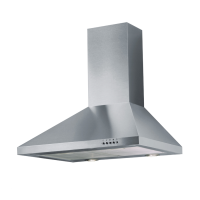
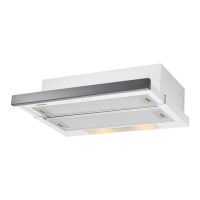
FOR RBES63, RBES64, RBES65, RBES91 & RBES96 PUSH BUTTON OPERATED RANGEHOODS
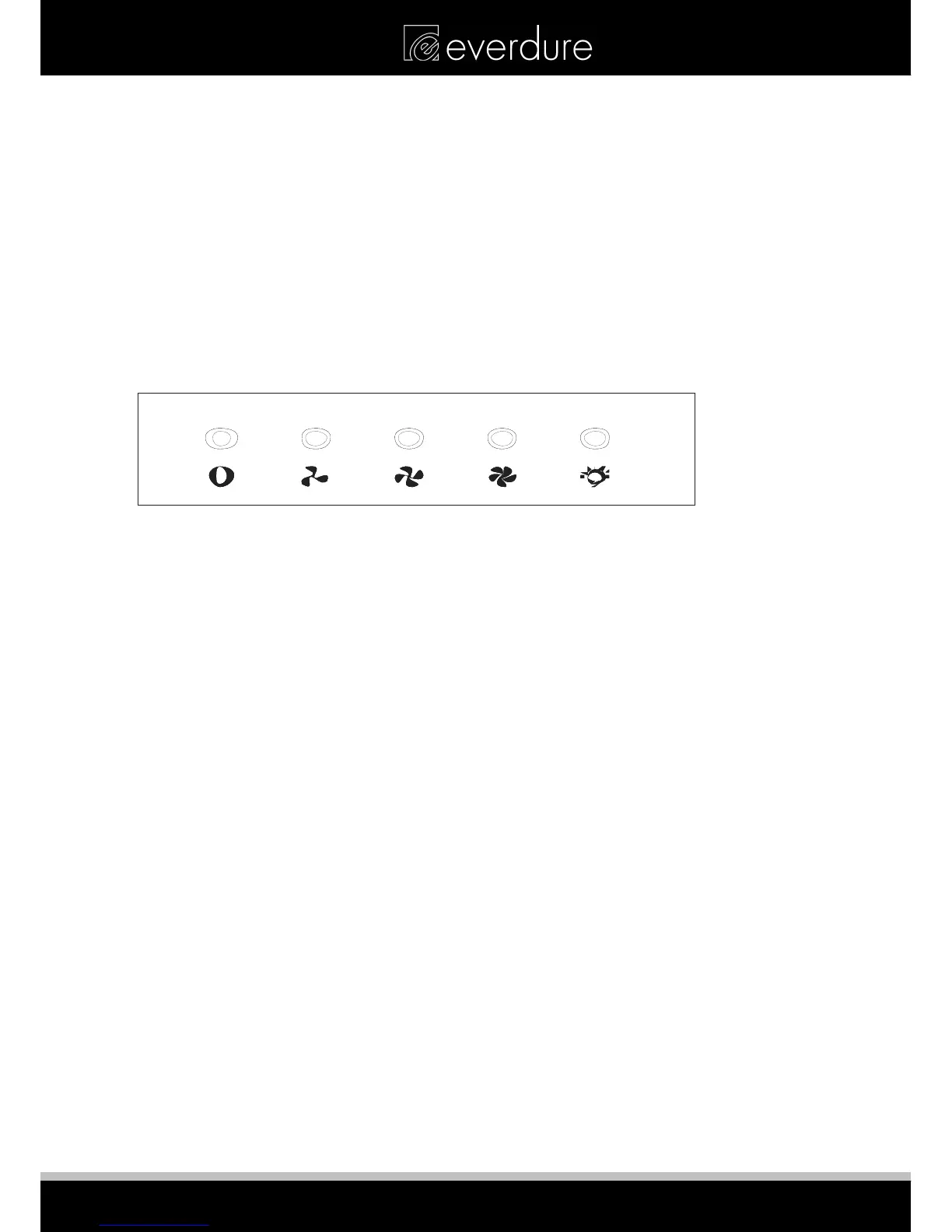
The range hood has indication diagrams to allow you to easily select the fan operating speed required.
Push the low button, indicated by a fan with 3 blades, and the motor will run at a low speed.
Push the medium button, indicated by a fan with 4 blades and the motor will run at a medium speed.
Push the high button, indicated by a fan with 5 blades and the motor will run at a high speed.
Push stop button, indicated by an (O) and the motor will stop.
Push the light button, indicated by a lit globe and the two lights will come on. Push it again and the light will
turn off.
Low
Mi d
High
Ligh t
Stop
Low
Mi d
High
Ligh t
Stop
Low
Mi d
High
Ligh t
Stop
8



 To Next Page