EAN850A
12
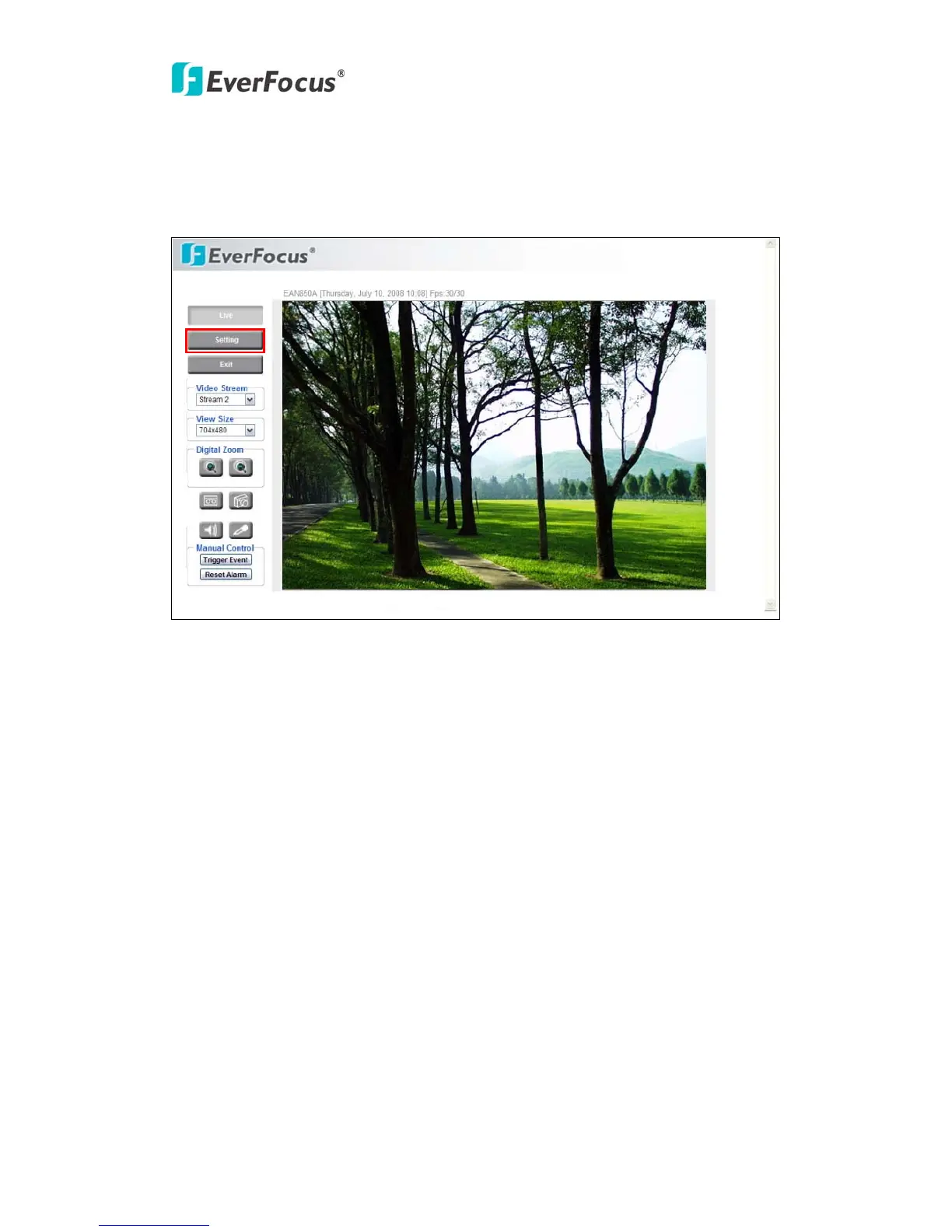
4. SETTING
Click this button to display the setup menu.
4.1 System Info
System information and system log check of the setup menu can be performed on this
page. The “System Info” page has 2 tabs: [Information] tab and the [Log] tab.
4.1.1 Information
System Information: Firmware version, MAC address, Video Type, Model number.
(unchangeable, for reference only)



 To Next Page