EAN850A
51
4.8 SYSTEM
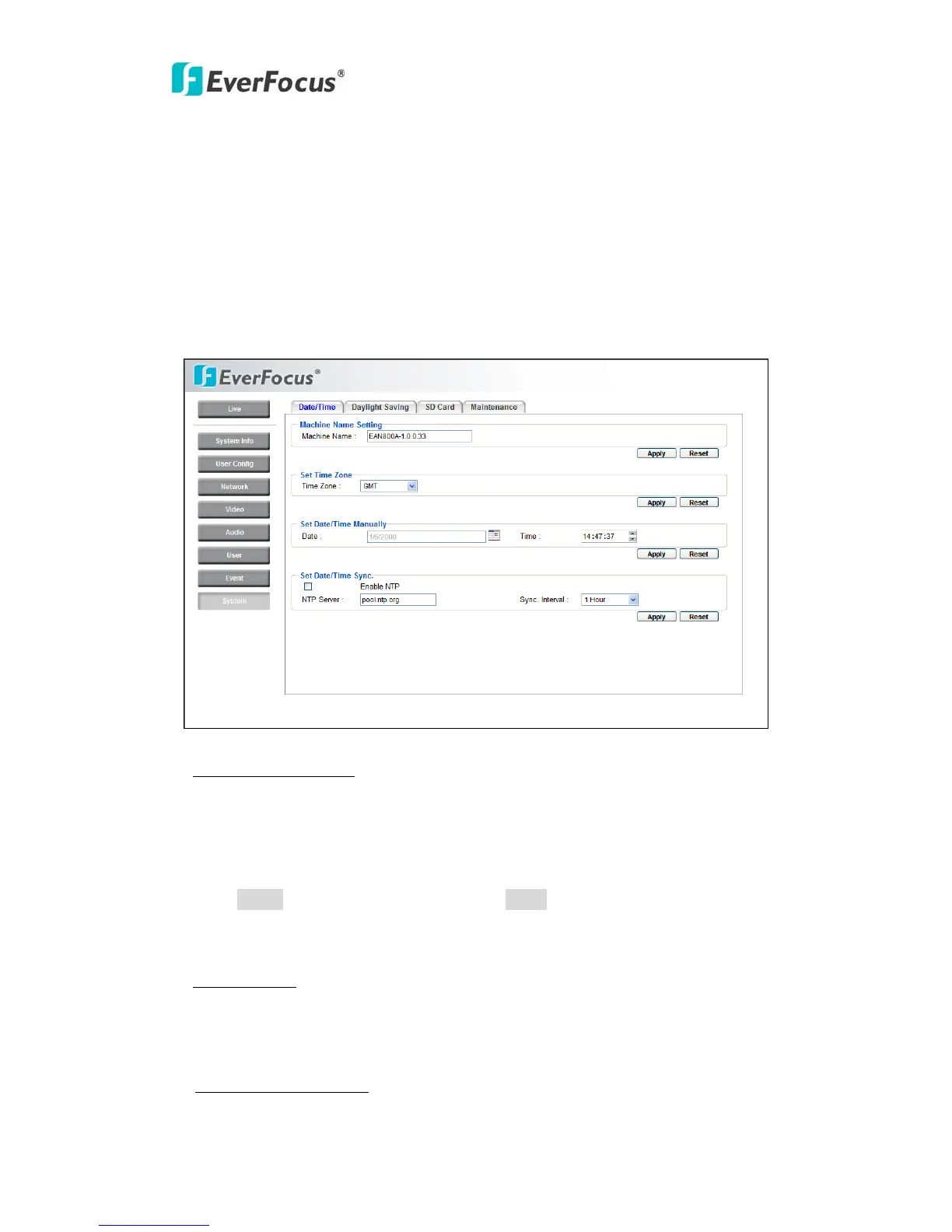
Date/Time, Daylight Saving, SD card and Maintenance settings can be performed
on this page.
The "System" page has 4 tabs of the [Date/Time] tab, the [Daylight Saving] tab,
the [SD card] tab and the [Maintenance] tab.
4.8.1 Date/Time
Machine Name Setting
Machine Name: Enter the name of the camera. The entered name will be displayed
in the status display area.
Press Apply to apply the setting changes or Reset to reset without saving the
change.
Set Time Zone
Time Zone: Select a time zone according to the location where the camera is in
use.
Set Date/Time Manually
Date: Click the calendar and pick the date. Press << to go previous year, < to go



 To Next Page