EAN850A
26
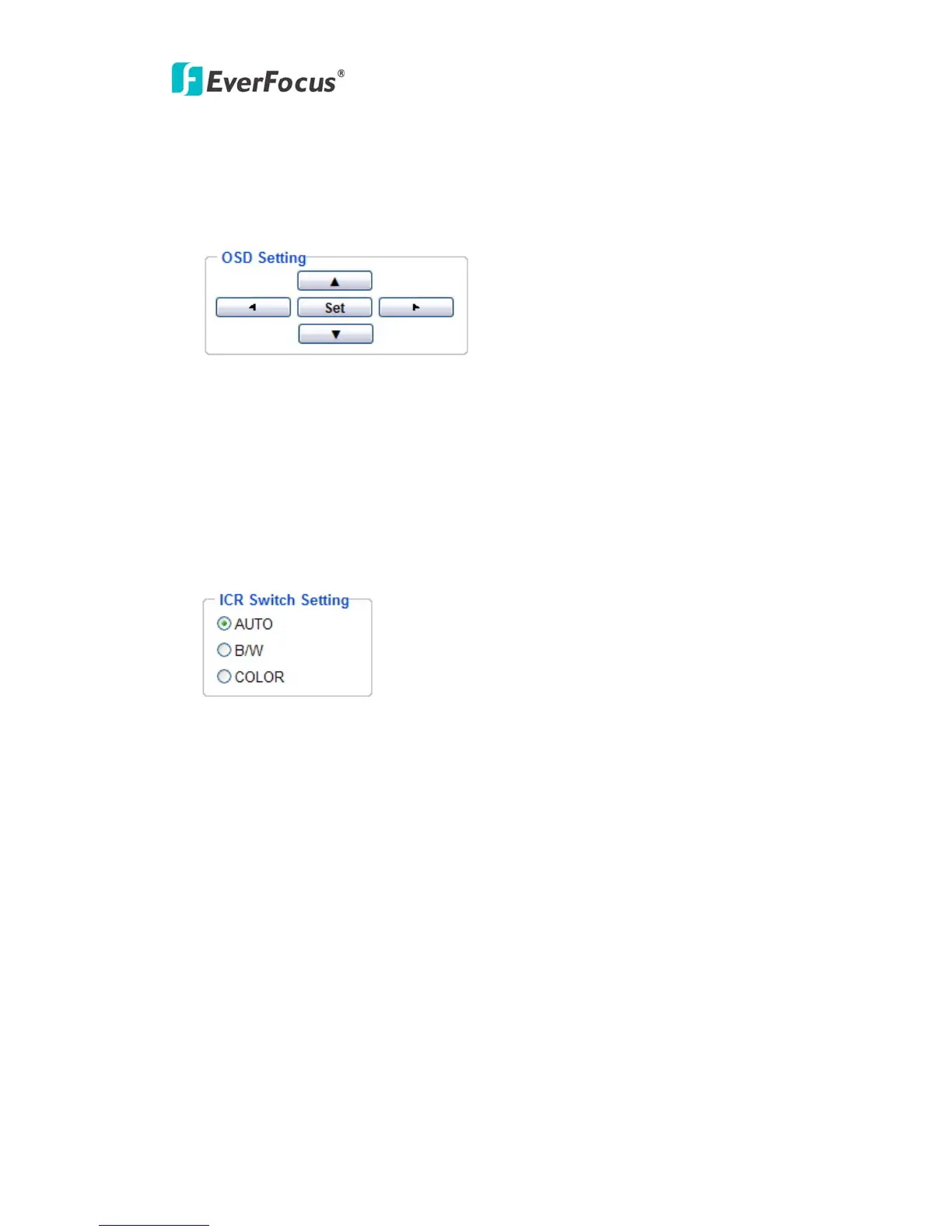
OSD setting:
Use the following buttons on the operation panel to operate the "Camera OSD
setting" using a PC. (Please refer to 4.4.2.1 for detail guide of Camera OSD
Setting)
[SET] button:
Click this button to move to the submenu.
[Left] button/ [Right] button:
Click these buttons to select the parameters.
[Down] button/ [Up] button:
Click these buttons to move the cursor.
ICR Switch Setting:
AUTO: ICR switches automatically according to the illumination.
B/W: Select to keep B/W image.
COLOR: Select to keep color image.



 To Next Page