EAN850A
36
z Please use the UP or DOWN button to move between TOP, DOWN, LEFT
and RIGHT for adjusting the size of the area.
z Please use the LEFT or RIGHT button to adjust the value for size of the area.
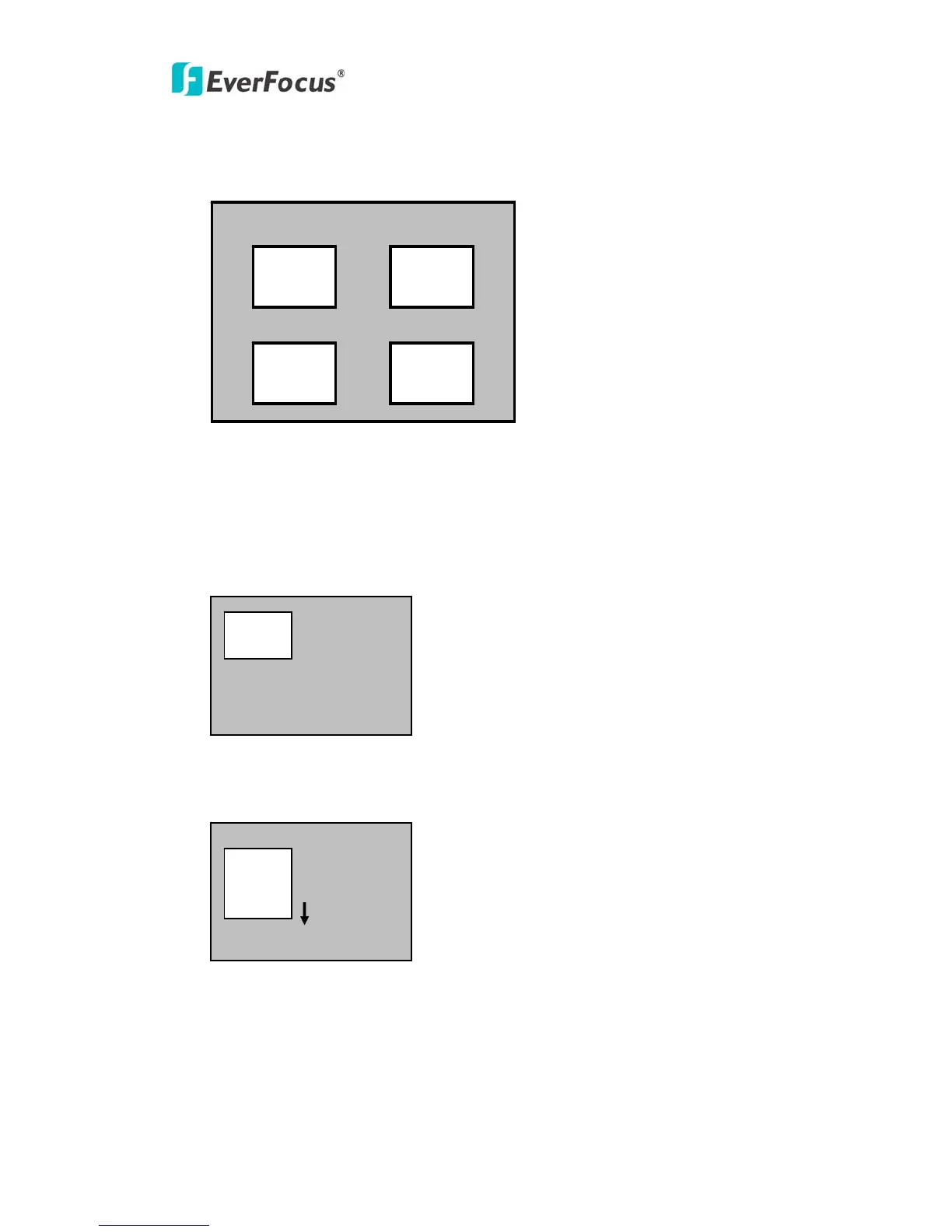
z Additionally, it is possible to change the position of the area. Please refer to
the following example for detailed steps on moving AREA1 to center.
1. The original position of AREA1 was TOP: 10, DOWN: 25, LEFT: 20 and RIGHT:
40.
2. Increase DOWN scale value by 20. AREA1 position after change is: TOP: 10,
DOWN: 45, LEFT: 20 and RIGHT: 40.
AREA1 AREA2
AREA3 AREA4
AREA1
AREA1



 To Next Page