EAN850A
38
z Please select the area you would like to cover from the 4 areas in AREA SEL
mode.
z Please select ON mode for the chosen area.
z Please select AREA TONE for cover area color. The smaller the number, the
darker the color.
z Please use the UP or DOWN button to move between TOP, DOWN, LEFT
and RIGHT for adjusting the size of the area to be covered.
z Please use the LEFT or RIGHT button to adjust the value for size of the area
to be covered.
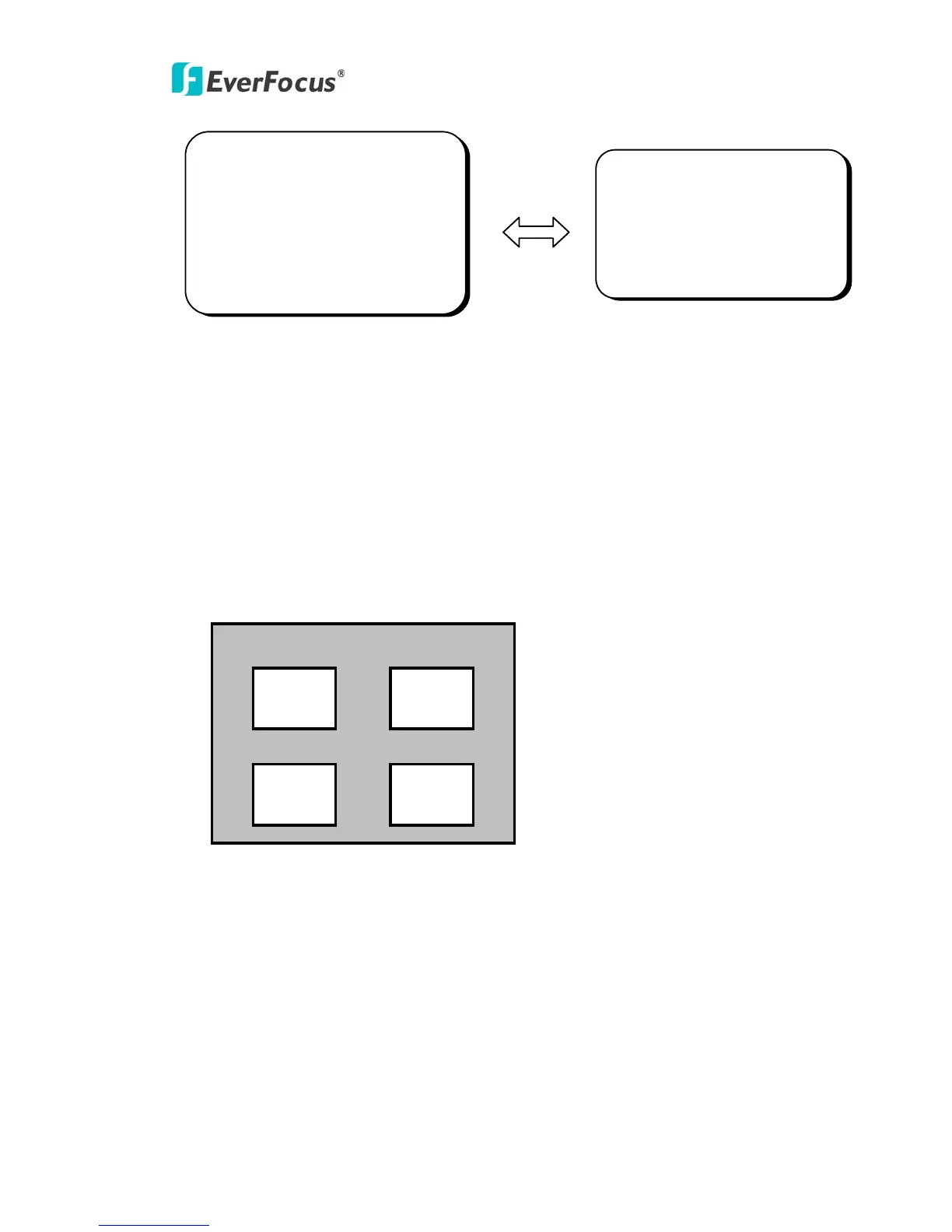
z Additionally, it is possible to change the position of the area to be covered.
Please refer to the following example for detailed steps on moving AREA1 to
center.
PRIVACY
> AEREA SEL AREA1
AREA STATE. OFF
AREA TONE |+++++++++| 80
TOP |++++++++| 10
DOWN |+++++++++| 25
LEFT |+++++++++| 20
RIGHT |+++++++++| 40
SPECIAL
CAMERA ID OFF
COLOR ADJ.
<┘
SYNC. INT
MOTIION DET OFF
> PRIVACY ON <┘
MIRROR OFF
SHARPNESS ON <┘
RESET
RETURN <┘
AREA1 AREA2
AREA3 AREA4



 To Next Page