EAN850A
9
○
3
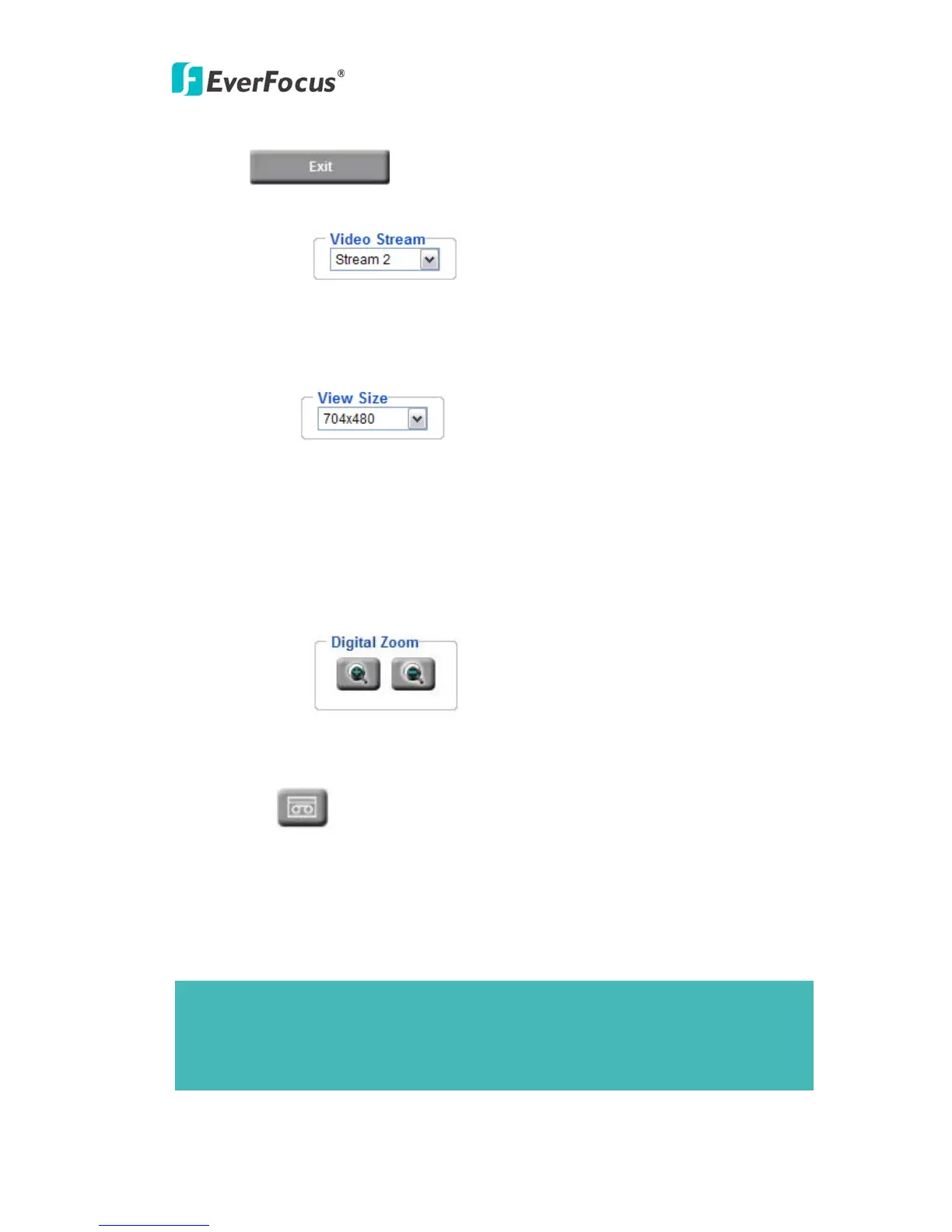
Press button to close EAN850A network page.
○
4
Video Stream
Select Video Stream from Stream 1 / Stream 2, Stream 3 and Stream 4. Please refer to
"4.4.1 Multi Streaming” for further information.
○
5
View Size
You can select View size to either reduce or enlarge the image to the appropriate view
size.
Select the view size for live images from:
704*480/640*480/352*240/320*240/176*120
○
6
Digital Zoom
Press “+” or “-“ button to enlarge / reduce the displayed image. (max. is X10)
○
7
Record
The record button is used to record the current video stream. The location where the
image file is saved can be specified in Setting -> User’s Config. Please refer to “4.2
User Config” for further information.
Note:
Record segment is limited to 5 min. If you need to do long time recording, please set
schedule recording. For more details about schedule recording, please see “4.7 Event”.



 To Next Page