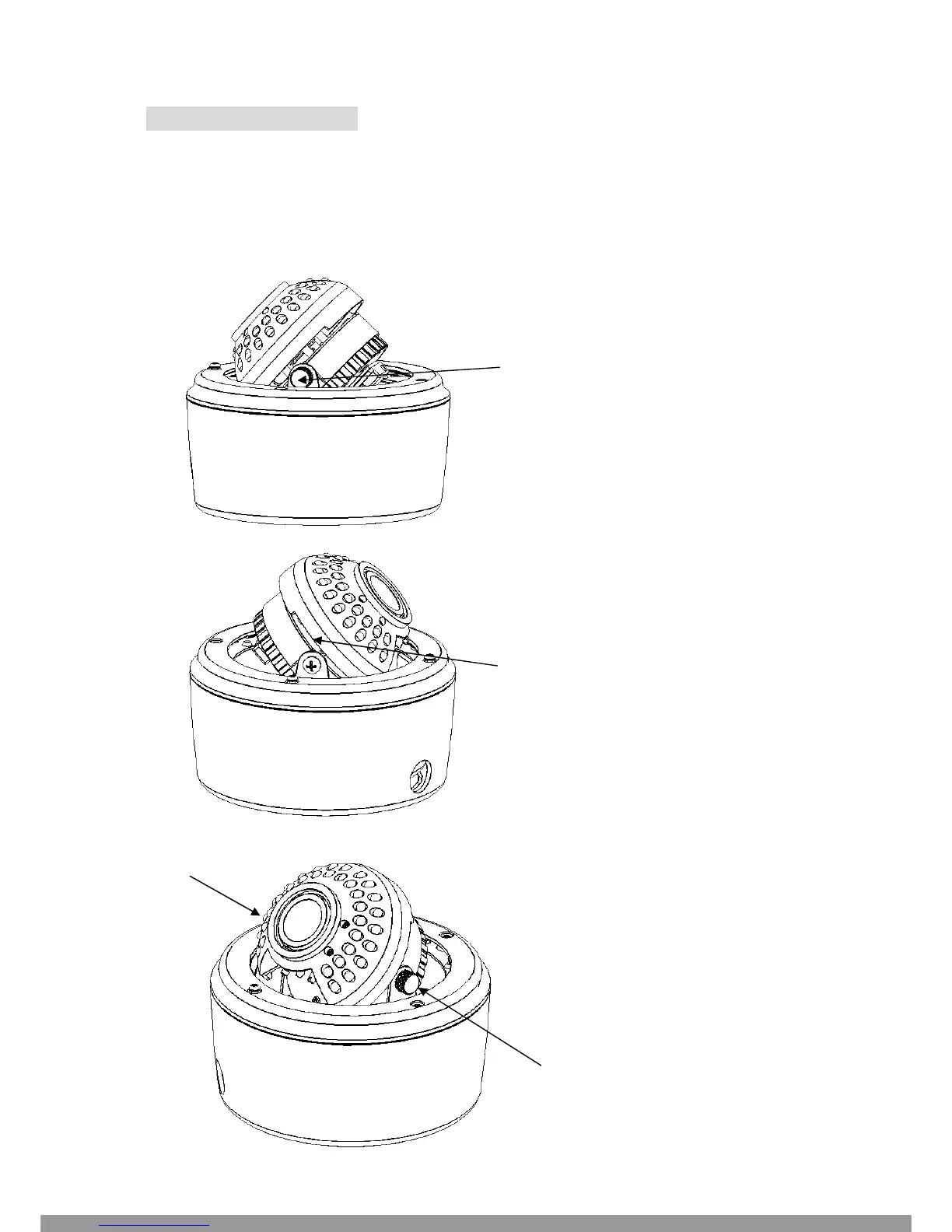
3-AXIS GIMBAL BRACKET
The 3-axis gimbal enables installers to easily mount the camera on a wall or ceiling and then using the built
in tilt and dual axis 180° twist, to adjust the viewing angle to the desired direction. With this unique 3-axis
positioning system, installers can capture images from virtually any angle, without compromising
performance.
Loosen this screw manually to
rotate the camera 180°
Use a screw driver to loosen this
screw. Tilt the camera 180°
Hold the bracket at both sides of the
camera. Rotate the entire camera
180°
This Manual: http://www.manuallib.com/file/2673673



 To Next Page