- 9 -
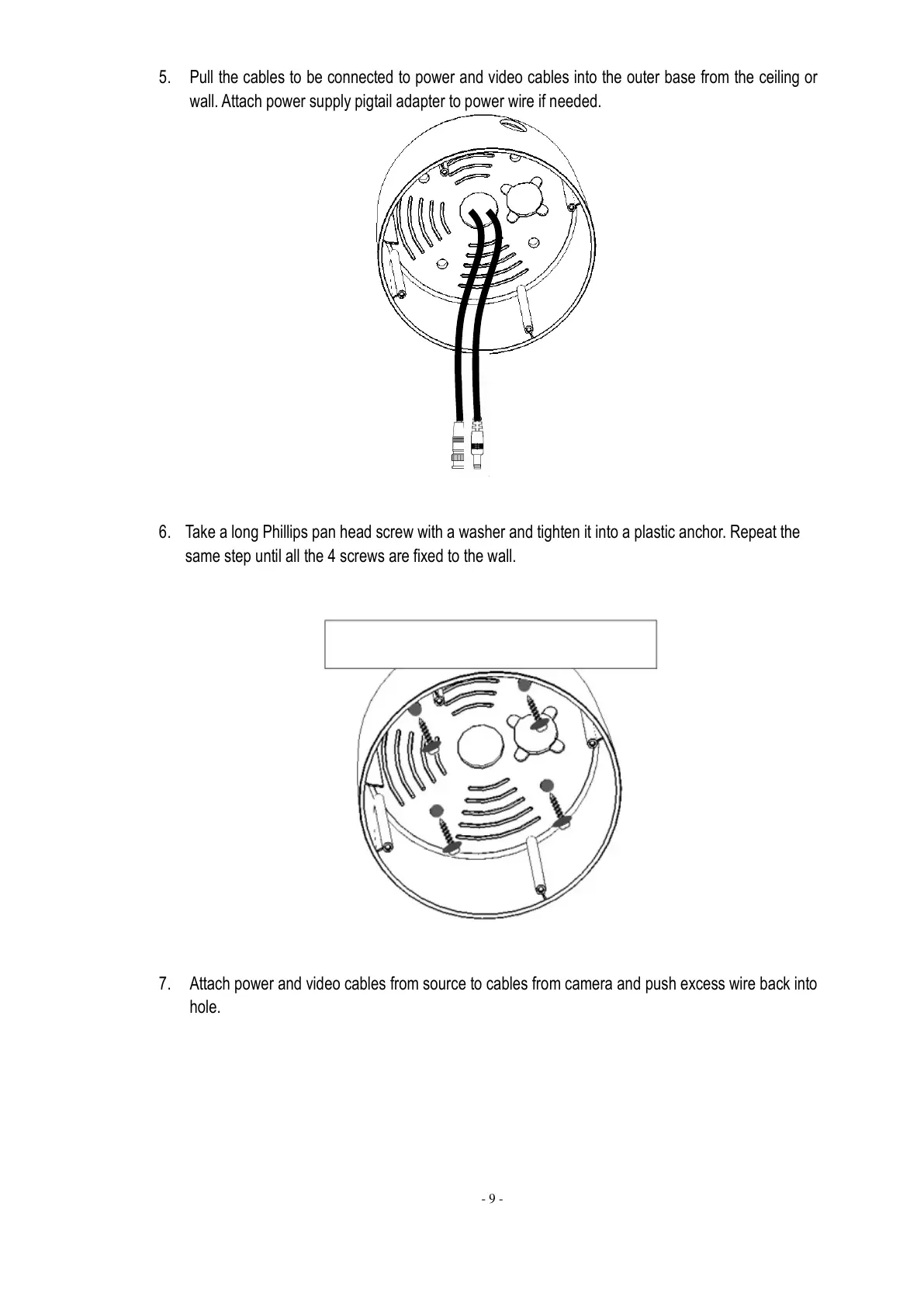
5. Pull the cables to be connected to power and video cables into the outer base from the ceiling or
wall. Attach power supply pigtail adapter to power wire if needed.
6. Take a long Phillips pan head screw with a washer and tighten it into a plastic anchor. Repeat the
same step until all the 4 screws are fixed to the wall.
7. Attach power and video cables from source to cables from camera and push excess wire back into
hole.



 To Next Page