EDN850H
14
4. Assign IP Address
Please install IP utility software from CD before you go through the following process.
Please note the following procedures are an example according to EDN850H default
values. These values may vary with your network system. Please consult your ISP or
network administrators for more detail of network setting reference.
IP utility (in supplied CD) is a recommended tool to assign IP address. The default
network setting is DHCP. Once login to EDN850H, you can change TCP/IP setting
for your own environment.
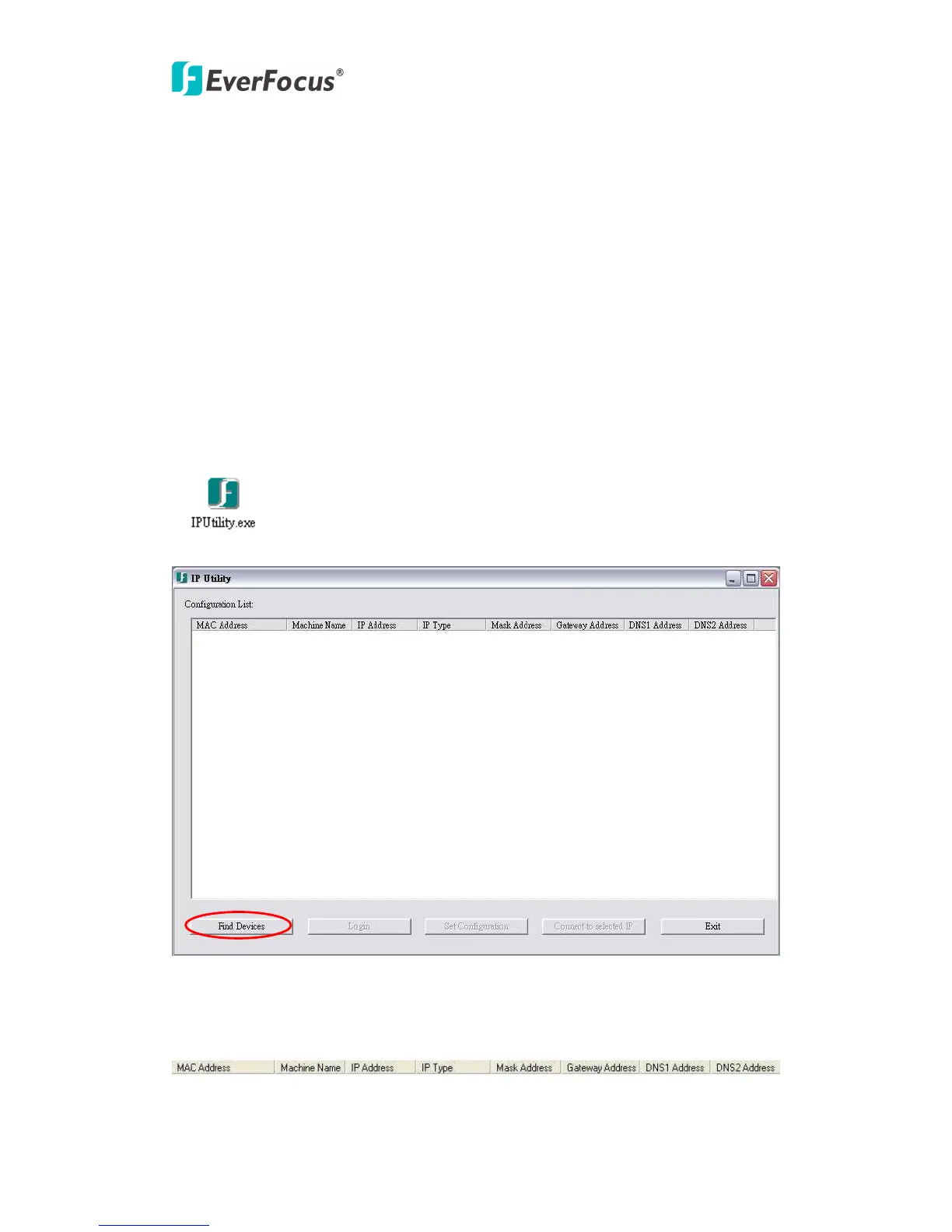
1. Active IP Utility.
2. Click “Find Devices” button.
This helps to automatically obtain the EDN850H network configuration details including
Mac Address, Machine Name, Machine Type, IP Type, Subnet Mask, Gateway Address,
DNS1 Address, and DNS2 Address.
3. The IP address of EDN850H will be automatically detected and shown in the


 To Next Page