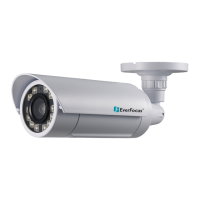
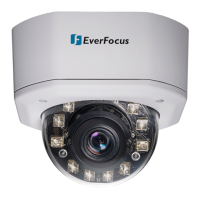
EDN850H
15
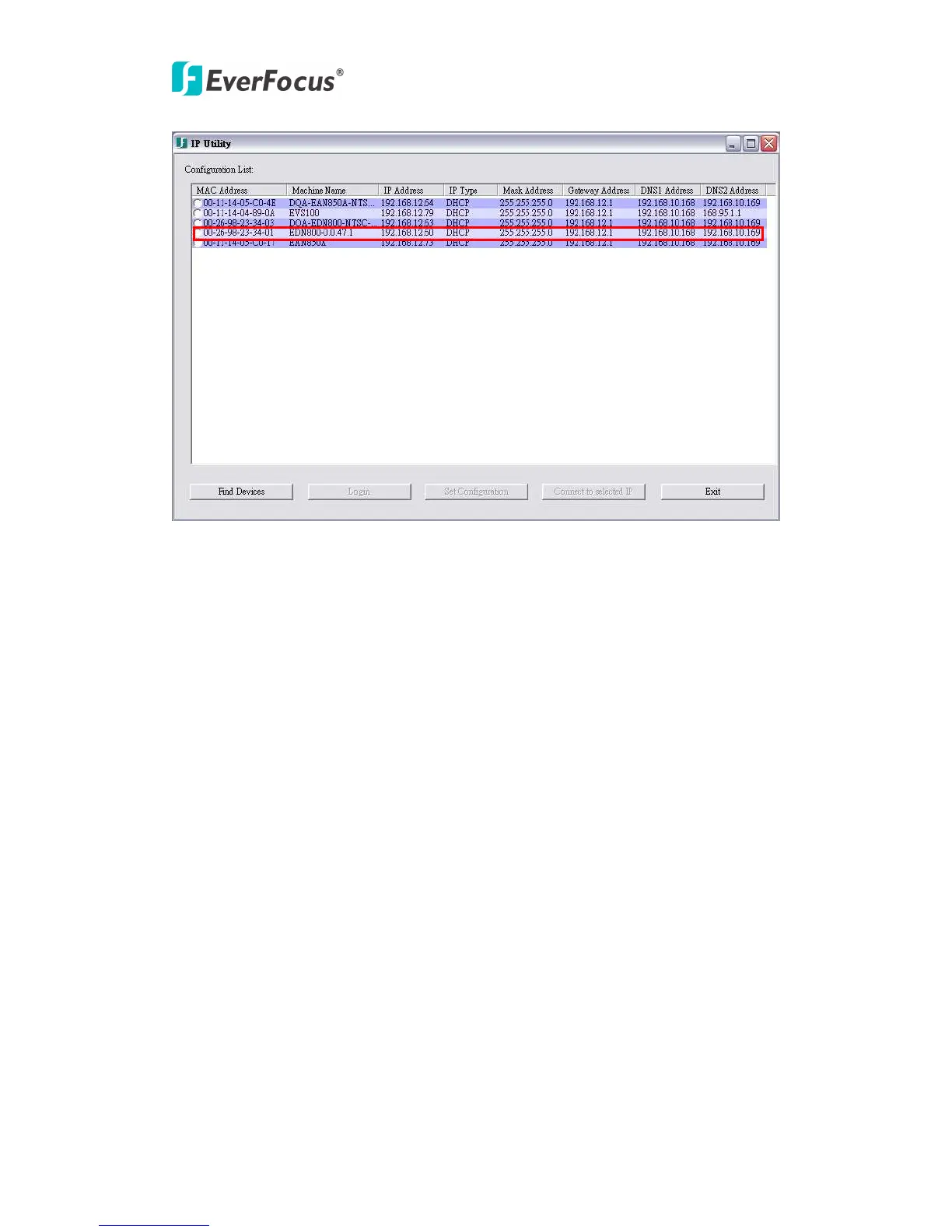
window. Tick the selected EDN850H.
4. If you want to manually change the IP setting, YOU MUST CLICK “LOGIN”. You
will be asked to enter “User ID” and “Password”. This is a security measure of
configuration setting, in order to modify those network configurations of EDN850H.
EDN850H administrator can only do the setting. Therefore only who has admin
authority could modify these settings. The ID & password must be the admin user and
be sent to the device when you click "Set configuration". If the ID and password do
not belong to an admin user, then setting will be discarded.
NOTE: Default User ID is “user1” and default password is “11111111”.


 To Next Page