21
9. OSD MANUAL
•
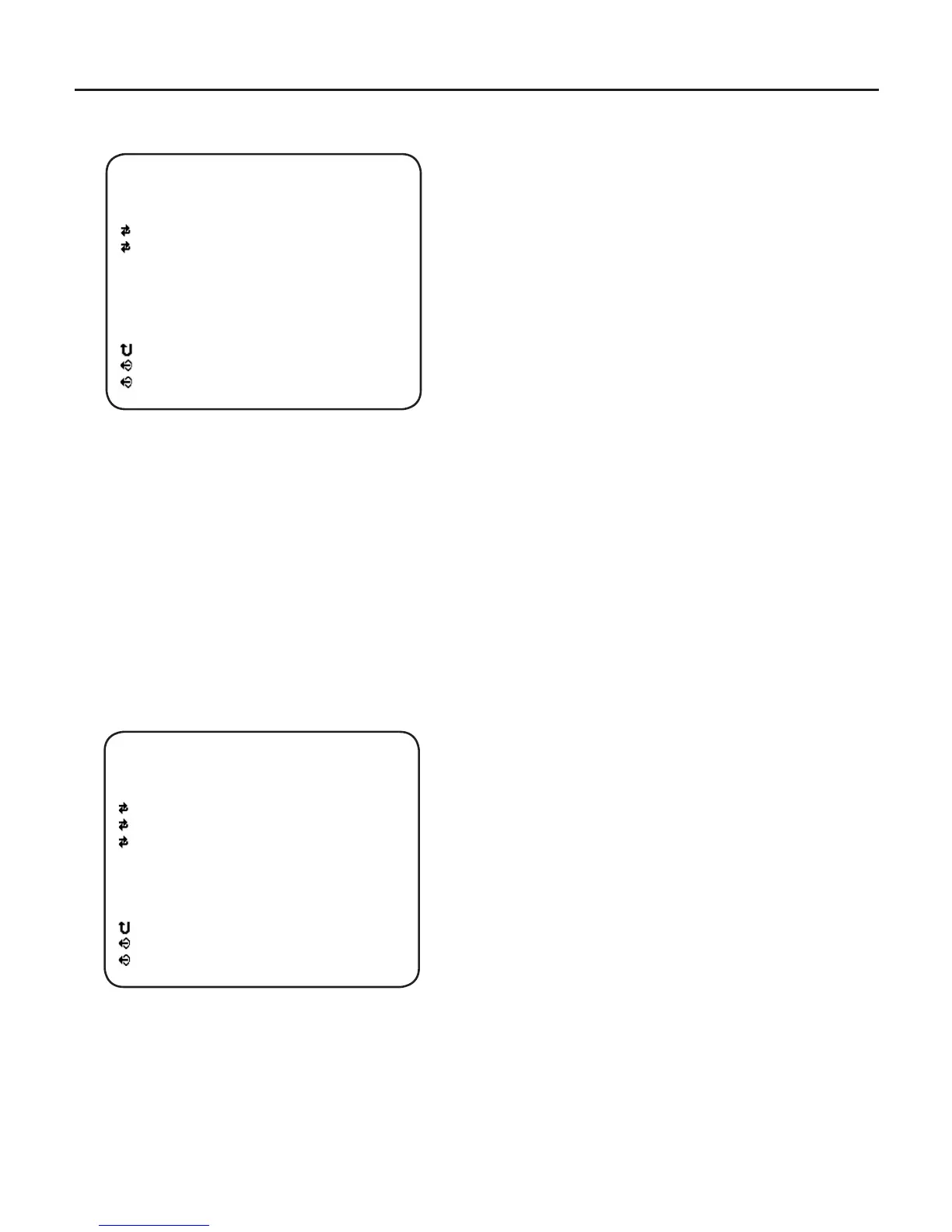
Video Out
- SDI Format
Select SDI output Formats – 720p 30Hz,
720p 60Hz, 720p 25Hz and 720p 50Hz.
- TV Out Format
Select NTSC / PAL.
Note : NTSC or PAL Video Format can be
selected by pressing the RIGHT Button even
when the OSD Menu is turned off
- ESC
Back to the previous.
•
LENS
- LENS TYPE
Using Left / Right button, Select DC IRIS or
MANUAL IRIS.
- BRIGHTNESS
This menu appeared on screen when DC IRIS
is selected.
Using Left / Right button, adjust Brightness
value.
- IRIS SPD
This menu appears on screen when DC IRIS
is selected.
Using Left / Right button, adjust Iris speed
value.
[ VIDEO OUT ]
SDI FORMAT
TV OUT FORMAT
ESC
EXIT
SAVE & EXIT
720p 60Hz
NTSC
[ LENS ]
LENS TYPE
BRIGHTNESS
IRIS SPD
ESC
EXIT
SAVE & EXIT
DC IRIS
123
1



 To Next Page