23
9. OSD MANUAL
•
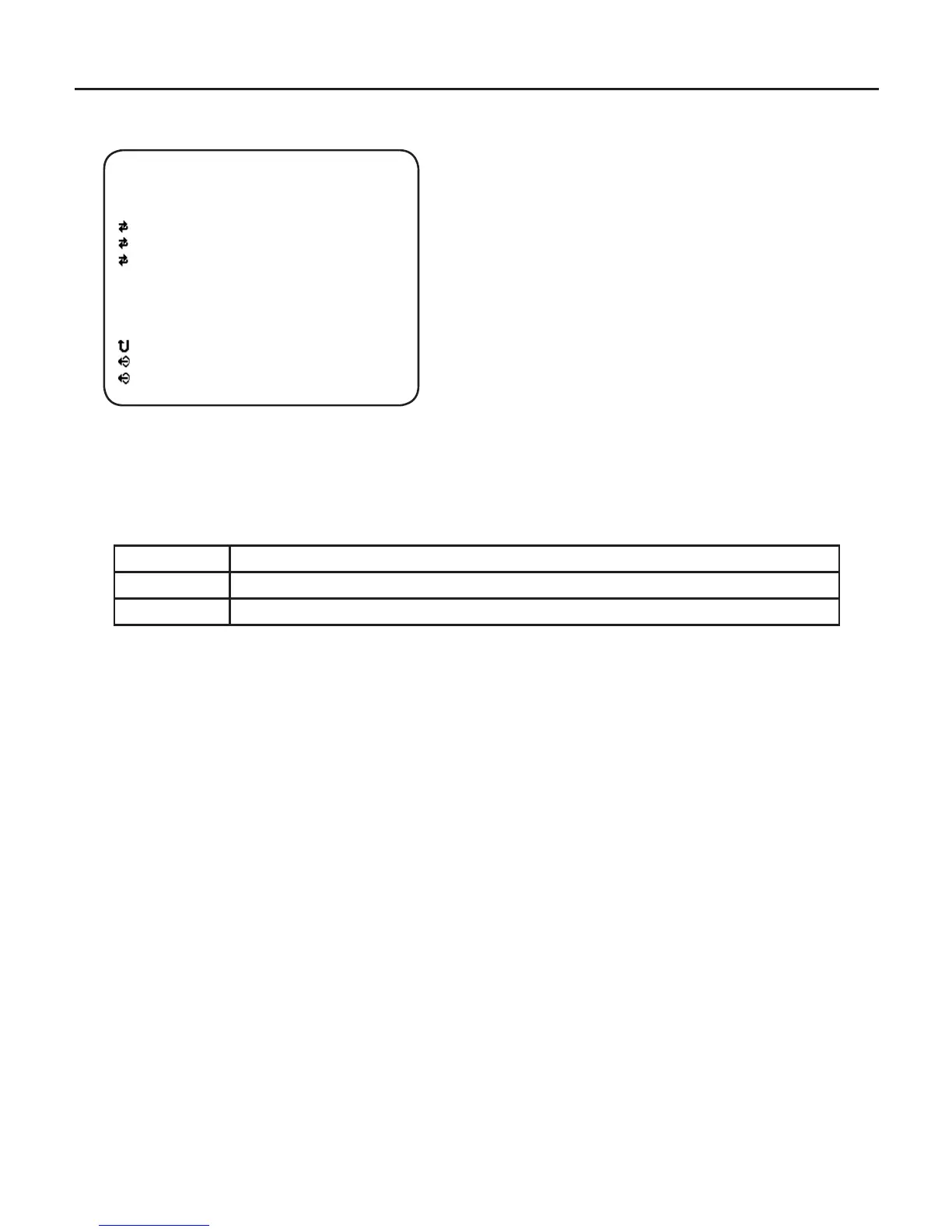
WHITE BALANCE
- MODE
Using Left / Right button, select White balance modes – ATW, PUSH
and MANUAL.
ATW Auto Trace White Balance mode
PUSH White Balance Push Lock mode (Auto White Balance Control & Lock)
MANUAL Manual White Balance mode
- R GAIN
This menu appears on screen when MANUAL is selected.
Using Left / Right button, adjust Red Gain.
-B GAIN
This menu appears on screen when MANUAL is selected.
Using Left / Right button, adjust Blue Gain.
* NOTE
R GAIN and B GAIN is correlated with the G GAIN internally, so the R GAIN and B
GAIN may increase or decrease with the other color gain.
[ WHITE BALANCE ]
MODE
R GAIN
B GAIN
ESC
EXIT
SAVE & EXIT
MANUAL
100
100



 To Next Page