8
For safety reason, please use only the same
size of fixing or mounting screws which are
recommended in this instruction manual.
Failure to install the screws or fixing device in
accordance with these instructions may result in
electrical hazards.
Start Using Your Cooker Hood
Touch control
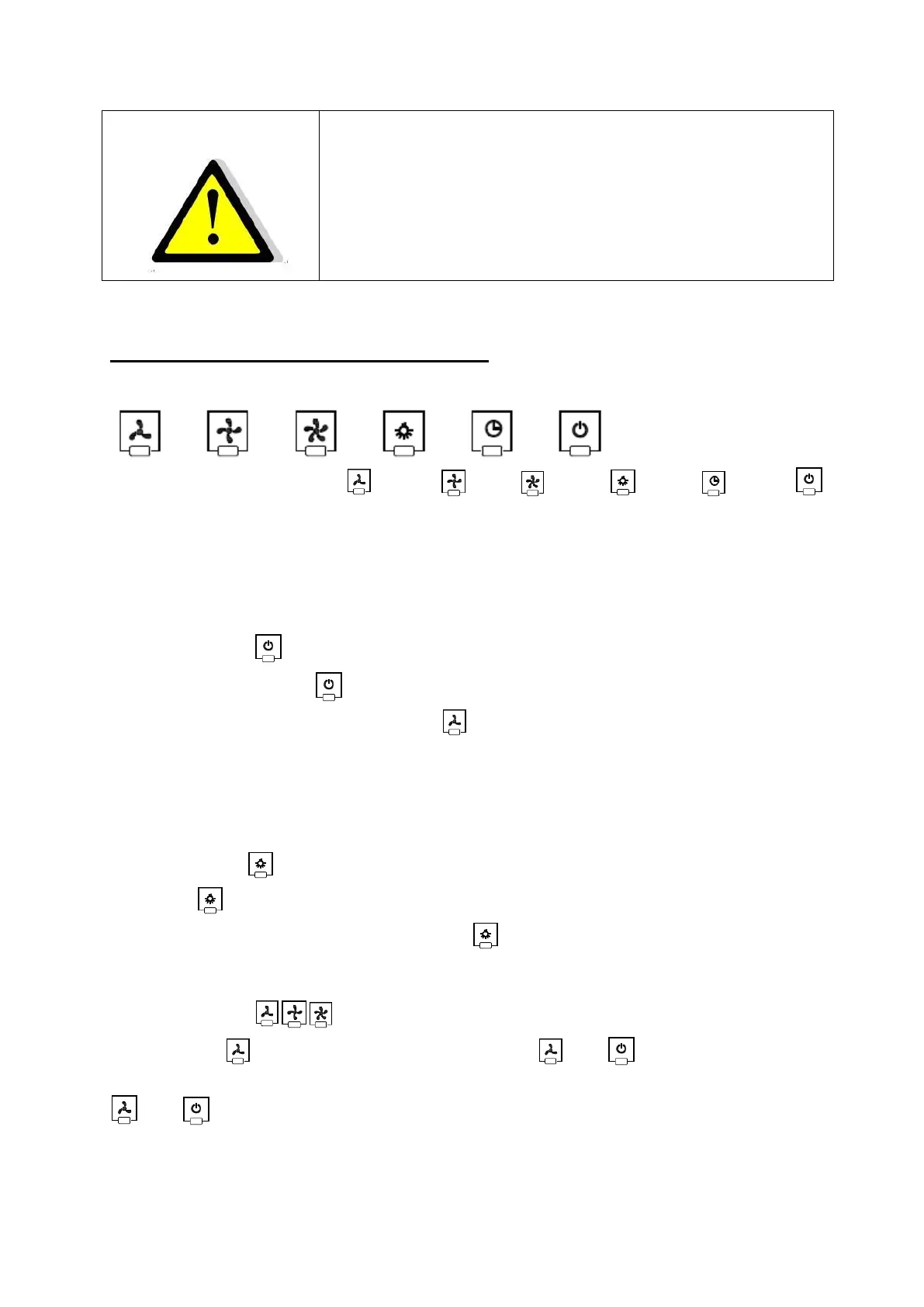
There are six touch buttons: (Low), (Mid), (High), (Light), (delay) ,
(power).See pictureabove.
1. Power on: After you have connected the cooker hood to the mains supply, all the
outputs will close, all indicator lights of the buttons will lit on for 2s to indicate the
state, and the cooker hood will enter to standby state.
2. Power button :
Press power button once, its indicator light will lit on, the hood works at low
speed. Indicator light of low speed will be bright. Press power button again,
both indicator light of power button and low speed button will be off. The hood
enters into standby mode.
The speed buttons and lamp button can work separately and not controlled by the
power button. Press certain function button, the hood will work at that function
status. Press power button at any status will close all function operation.
3. Lamp button :
Press button once, the light will turn on, and indicator light of lamp button and
power button will be on as well. Press button again to turn off the lights, and
run by circle.
4. Speed button :
4.1 Press the (Low) button, the indicator light of and will beam, and the
motor runs at low speed. Press it again and the motor will stop, the indicator light of
and will be off.



 To Next Page