Customer Service 1-888-707-1880
or email customerservice@dyaco.ca
14 Dyaco Canada Inc.©2021
KEY FUNCTION:
OPERATION PROCEDURE
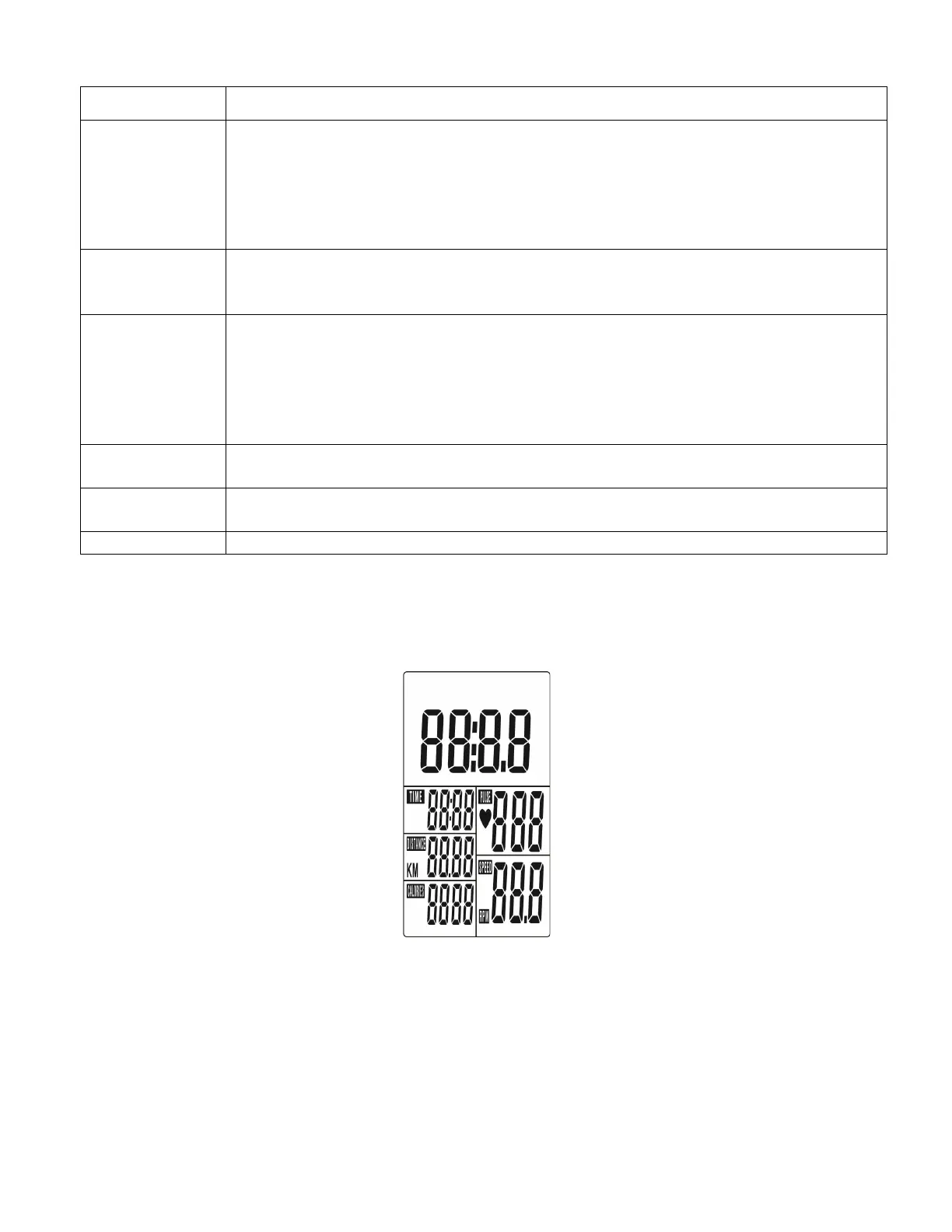
POWER ON
After loading into the battery, LCD will display all segments for 2 seconds, as below drawing.
Power off
Without any signal or pedal being transmitted into the monitor for 4 minutes the console will
enter SLEEP MODE, press any key or pedal then the console will wake up.
ITEM DESCRIPTION
UP
. Press UP key to increase value. Press and hold the key to increase value
faster.
. TIME setting range: 00:00~99:00 (Each increment is 1:00)
. CAL setting range: 0~9990 (Each increment is 10)
. DIST setting range: 0.00~99.50 (Each increment is 0.5)
. PULSE setting range: 0-30~230 (Each increment is 1)
MODE
. Choose each function by pressing MODE key.
. Press and hold MODE key for 2 seconds to reset all functions (same feature
as the reset key if press for 2 seconds).
DOWN
. Press DOWN Key to decrease value. Press and hold the key to decrease the
value faster.
. TIME setting range: 00:00~99:00 (Each decrement is 1:00)
. CAL setting range: 0~9990 (Each decrement is 10)
. DIST setting range: 0.00~99.50 (Each decrement is 0.5)
. PULSE setting range: 0-30~230 (Each decrement is 1)
RECOVERY
. After the console detects pulse signal, press the RECOVERY key to enter
recovery mode to monitor heart rate recovery ability.
RESET
. In setting mode, press RESET key once to reset the current function figures.
. Press RESET key and hold for 2 seconds to reset all function figures.
. Console will restart over.


 To Next Page