ENGLISH l 11
OPERATING THE PEDOMETER
DATA RECALL MODE
Operaon instrucon:
1. Press MODE key to switch to next mode.
2. Press ST/STP key to switch to the record date
3. Press RESET key to view the info as below order:
steps, calorie, distance, speed, exercise me, target
goal %
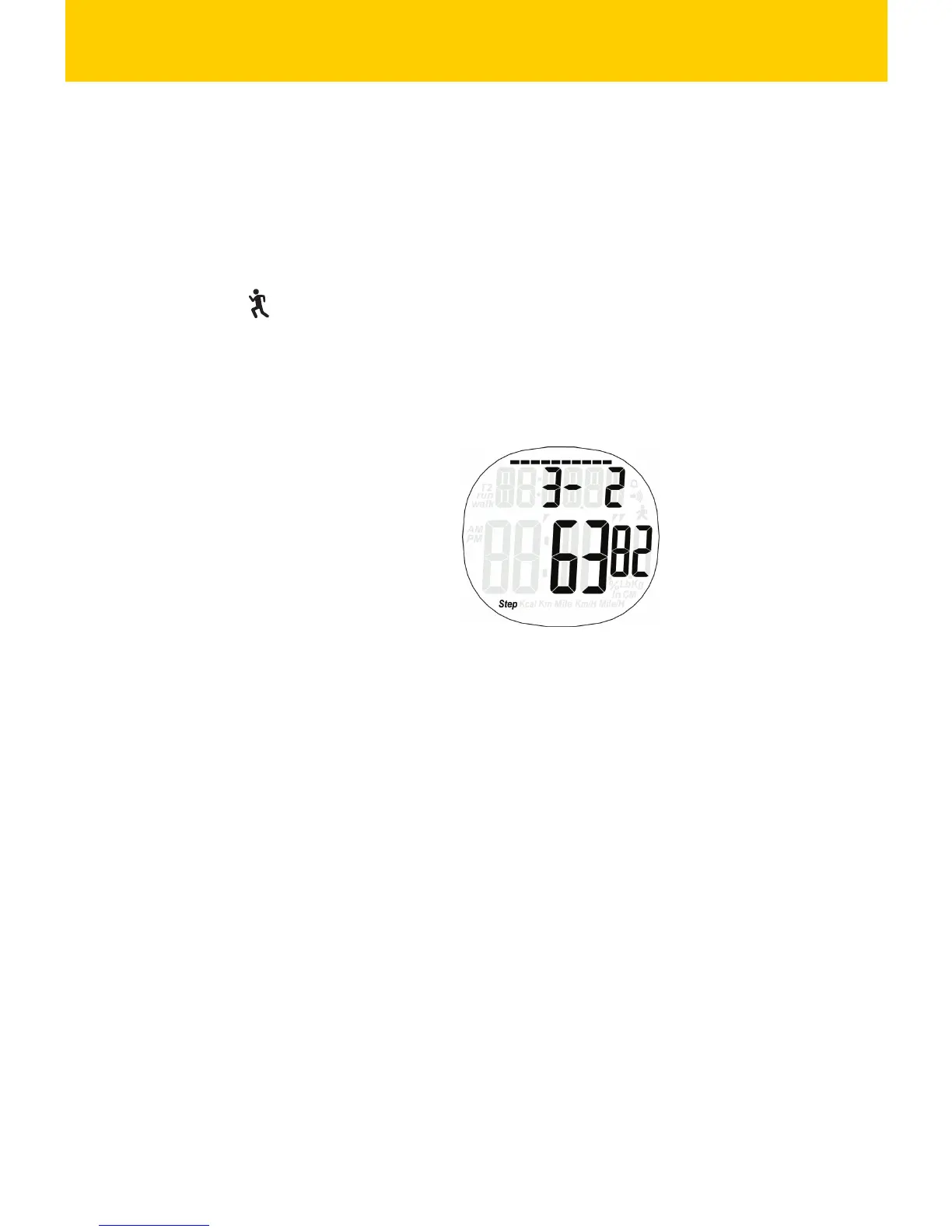
Display instrucon:
First Row: display the date of the record
Second Row: display the steps, calorie, distance,
speed, exercise me, target goal%, progress of
target goal( if there is no data, ‘DATA--’ will be
displayed.)
3. Press ST/STP key to switch from Step, Calorie,
Distance, Speed, Target Goal %
4. Hold ST/STP key for 2 seconds to turn on/off
pedometer funcon. When the pedometer is on,
the sign “ ” will be flashing.
5. Hold RESET key for 2 seconds to switch from
Walking Mode to Running Mode.


 To Next Page