10 l ENGLISH
OPERATING THE PEDOMETER
PEDOMETER MODE
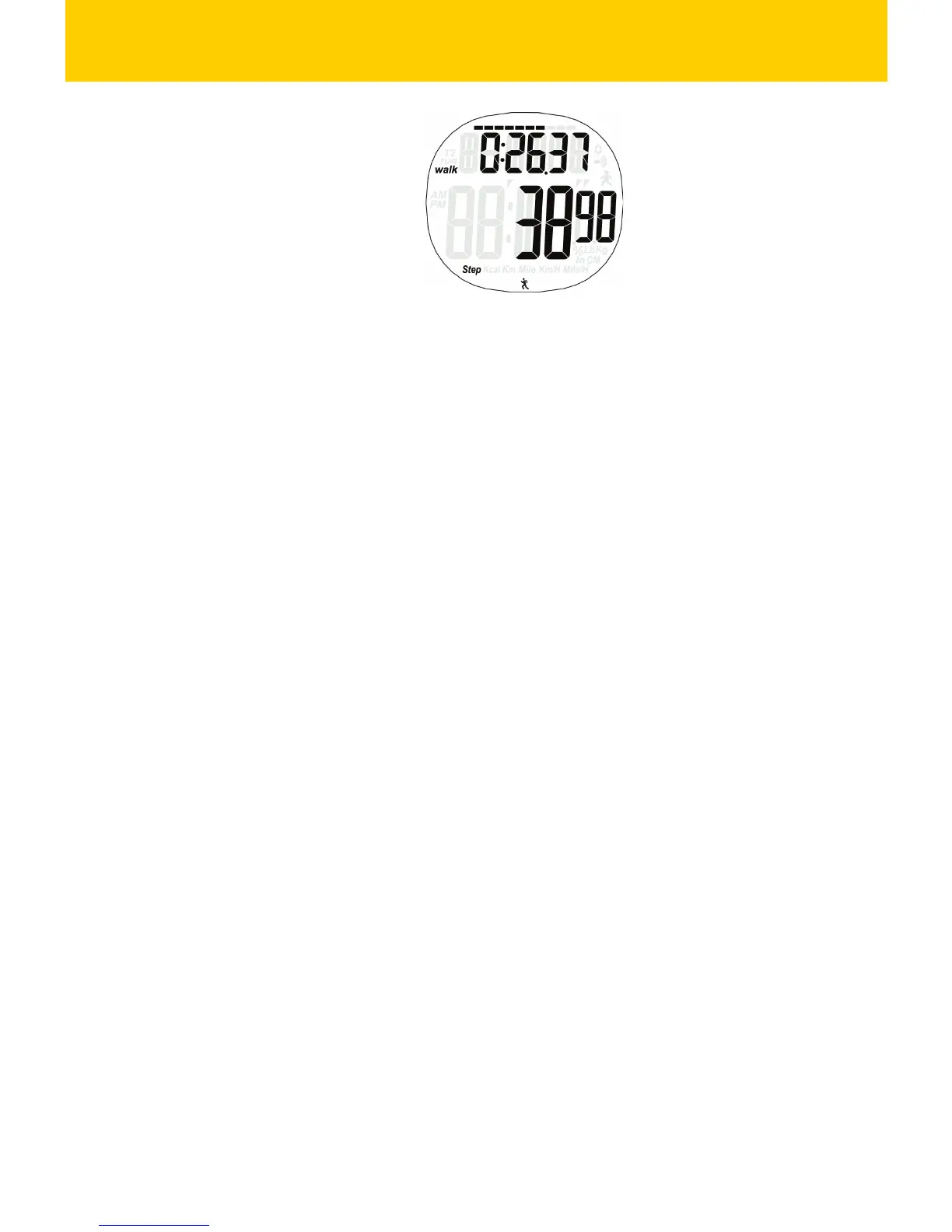
Display instrucon:
First Row: display exercise me
Second Row: display steps, calorie, distance, speed,
target goal %
The progress of target goal is showed on the top
Operaon instrucon:
1. Press MODE key to switch to next mode
2. Personal Info Seng:
Hold ADJ/EL key in the pedometer mode, aer
“ADJ” flashing for2 seconds enters seng mode;
Press MODE key to set the info in following order:
age, unit, weight, walking stride, running stride,
hundred thousand digit of target goal, ten
thousands digit of target goal, thousand digit of
target goal, hundred digit of target goal;
At one seng item, press ST/STP or RESET key to
increase/ decrease the value; press and hold ST/STP
or RESET key to increase/decrease the value rapidly.
Press ADJ/EL key to confirm the seng and back to
pedometer mode.


 To Next Page