Air Conditioner Service Manual
10
Defrosting end off: Compressor stops working, and re-starts to working after 50s delay;
7. Cold air prevention:
This function intends to prevent cold air from being discharged when the heating operation starts up
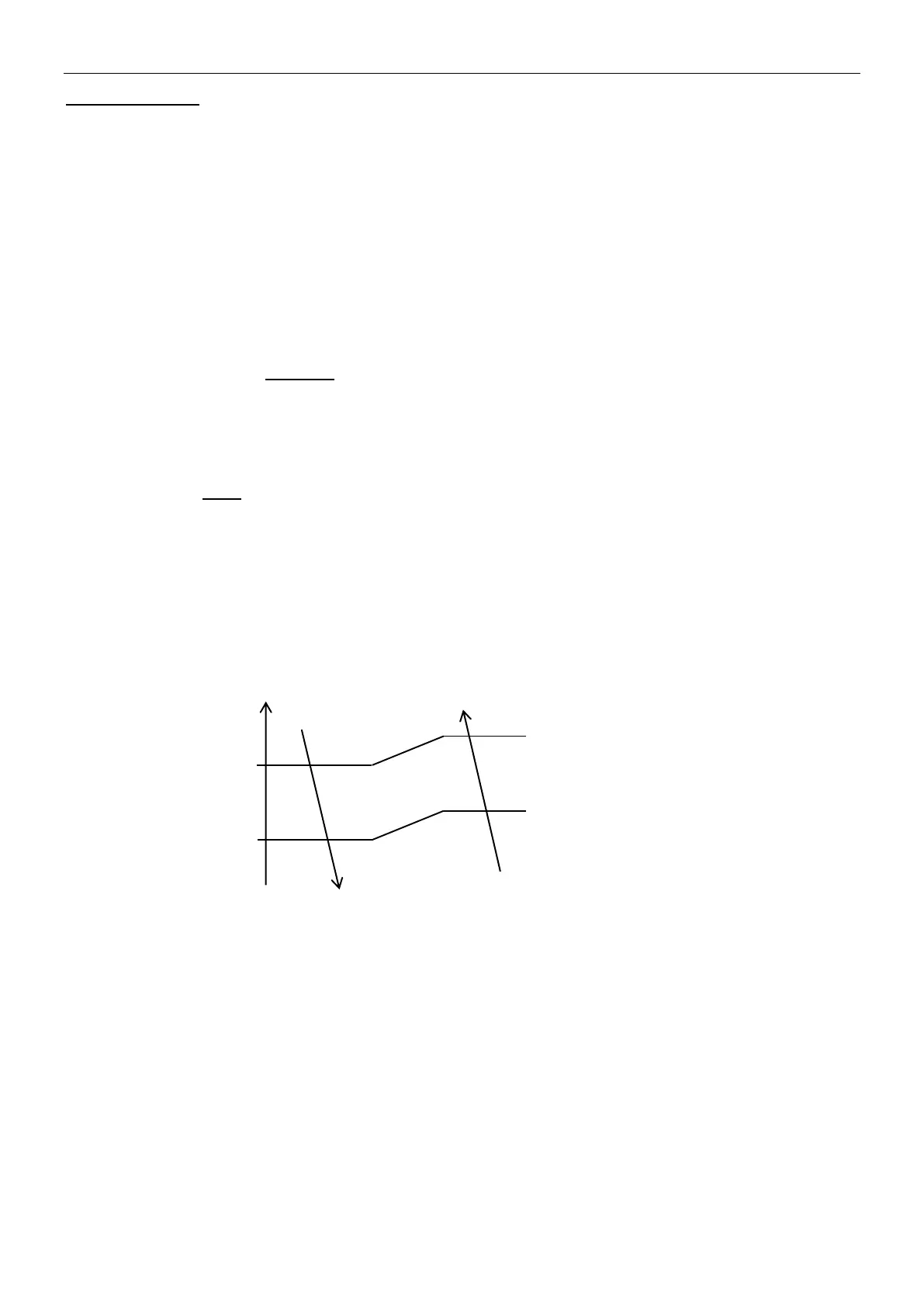
1). IDU fan motor cold air prevention
.When RT<24℃:
a. If ITP>31℃ while compressor works for 5 min, fan motor will work according to preset fan speed.
b. If IPT≤31℃, fan motor stops working while compressor operation within 2min, if IPT≥27℃, fan motor works in low
speed 2 min, then change to preset speed.
When RT≥24℃:
a. Within 2 min after compressor start up working, once IPT>27℃, fan motor will change to preset speed.
b. After compressor starts working 2 min, fan motor change to preset speed directly.
2). Vane blade operation for cold air prevention.
If the vane works on status of non-swing: While IPT increase to a special degree, the vane blade will change the position
to:
Default angle; or
Previous position; or
Customer preset.
The above operation can work one time only, when compressor stops working, the unit will once again inspect the function.
If the vane works on swing: When IDU quits from cold air prevention, vane operate as preset.
8. “8℃” Heating
When function effective, it will make sure the room temperature not lower than 8℃, once room temperature lower
than 8℃,unit works on heating mode.
4.2.5 Fan mode
1. The temperature setting: 16~31℃,
Fan speed and vane position: as preset. The function for remote controller 58E only.
2. For above function, when unit preset to be auto fan mode, the fan motor will change its operation speed based on
the temperature difference of ambient and preset temperature.
3. ODU always OFF.
4.1.6 Timer
The unit has times control, when the unit meet the timer preset, it will be switched on or off automatically.
TIMER ON
1). TIMER ON can be set only when the air conditioner is OFF.
2). Press TIMER on the remote control ONCE to enter time setting.
3). Press “▲” or “▼” to set the time for unit to start working.
4). Set other function as MODE, FAN SPEED, SWING etc.
5). Press TIMER ONCE AGAIN to confirm the TIME ON setting
TIMER OFF
1). TIMER OFF can be set only when the air conditioner is ON.
2). Press TIMER on the remote control ONCE to enter time setting.
3). Press “▲” or “▼” to set the time for unit to stop working.
4). Press TIMER ONCE AGAIN to confirm the TIME OFF setting
Note: In case of no selection for the time setting within 10s, the timer function will be OFF automatically.



 To Next Page