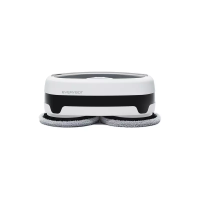
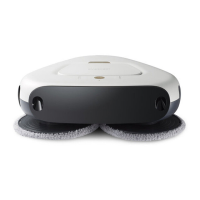
1. Please connect Edge with power adapter to make it ‘Charging status’. (You must see Yellow LED blinking.)
2. Please press the ‘Up Key’ for 3 seconds. Then, it will ring signal and it is now ‘Dark Floor Mode’
3. Now please Start Edge on Black Floor. It will work well but cannot sense any cliff.
4. To get back to the normal mode: Please connect Edge with adapter and press ‘Down Key’ for 3second. You will
hear signal alarm. Then now it is ‘Normal Mode’.
How to convert to dark oor version

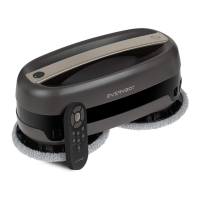

 To Next Page