Charging Status & Indication
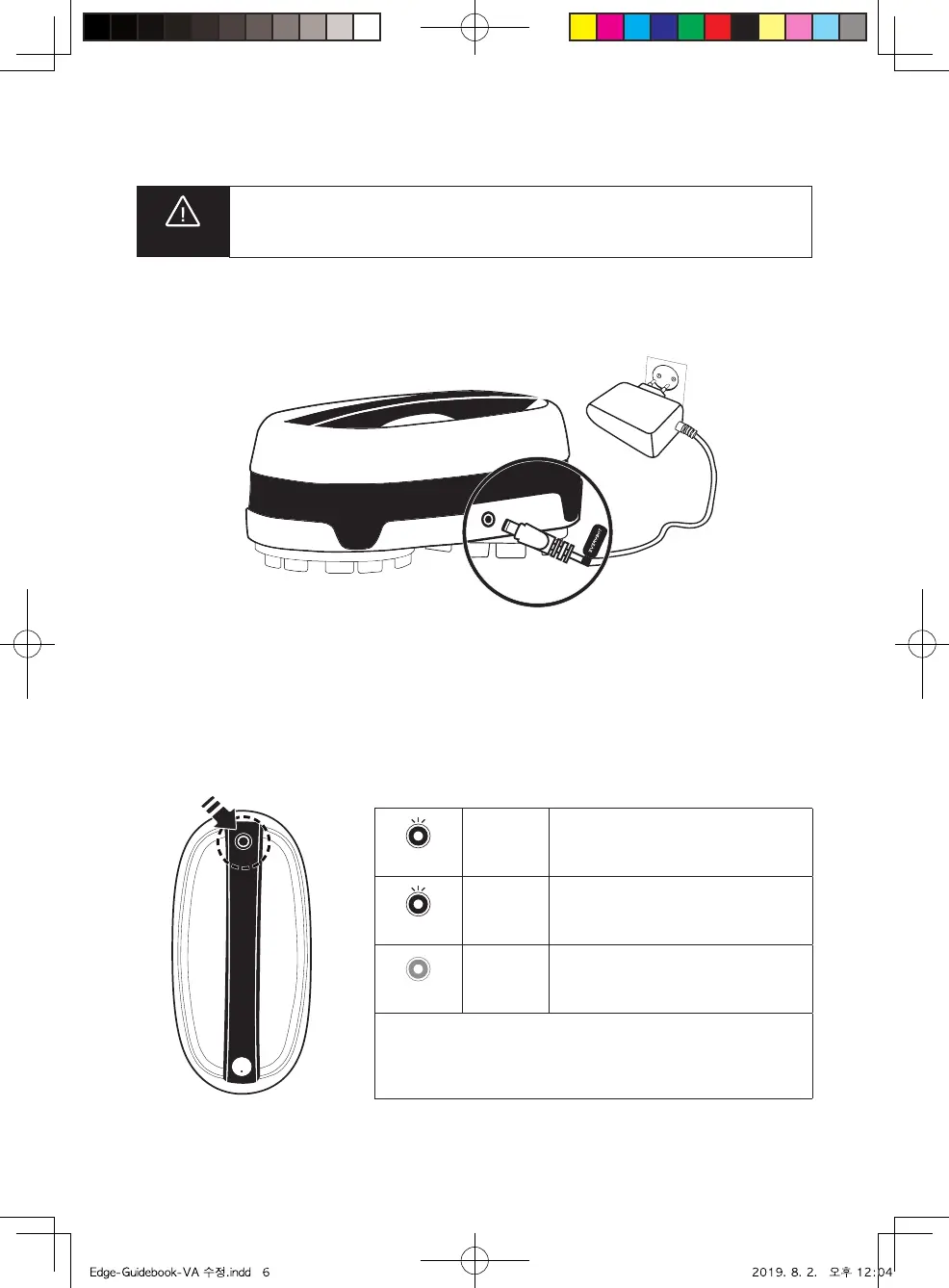
How to Charge
Connect the power adaptor to the charging port on the back of main unit.
Battery Level Indication
Battery level can be checked through LED lamp.
Yellow
Yellow
Blinking
Blue
Blinking
LED
O
Low battery
Blue
Enough battery more than 80%
OFF
Fully charged
Charging time: About 100min (In case of full discharge, 150min)
Operating time: About 100min (It may causes a little dierence
depends on the floor status)
Do not use unauthorized adaptors. It may cause serious damage for
the product.
Cautions
6



 To Next Page