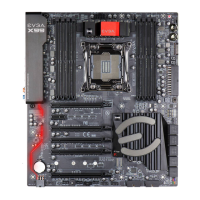
EVGA X299 DARK (151-SX-E299)
- 32 -
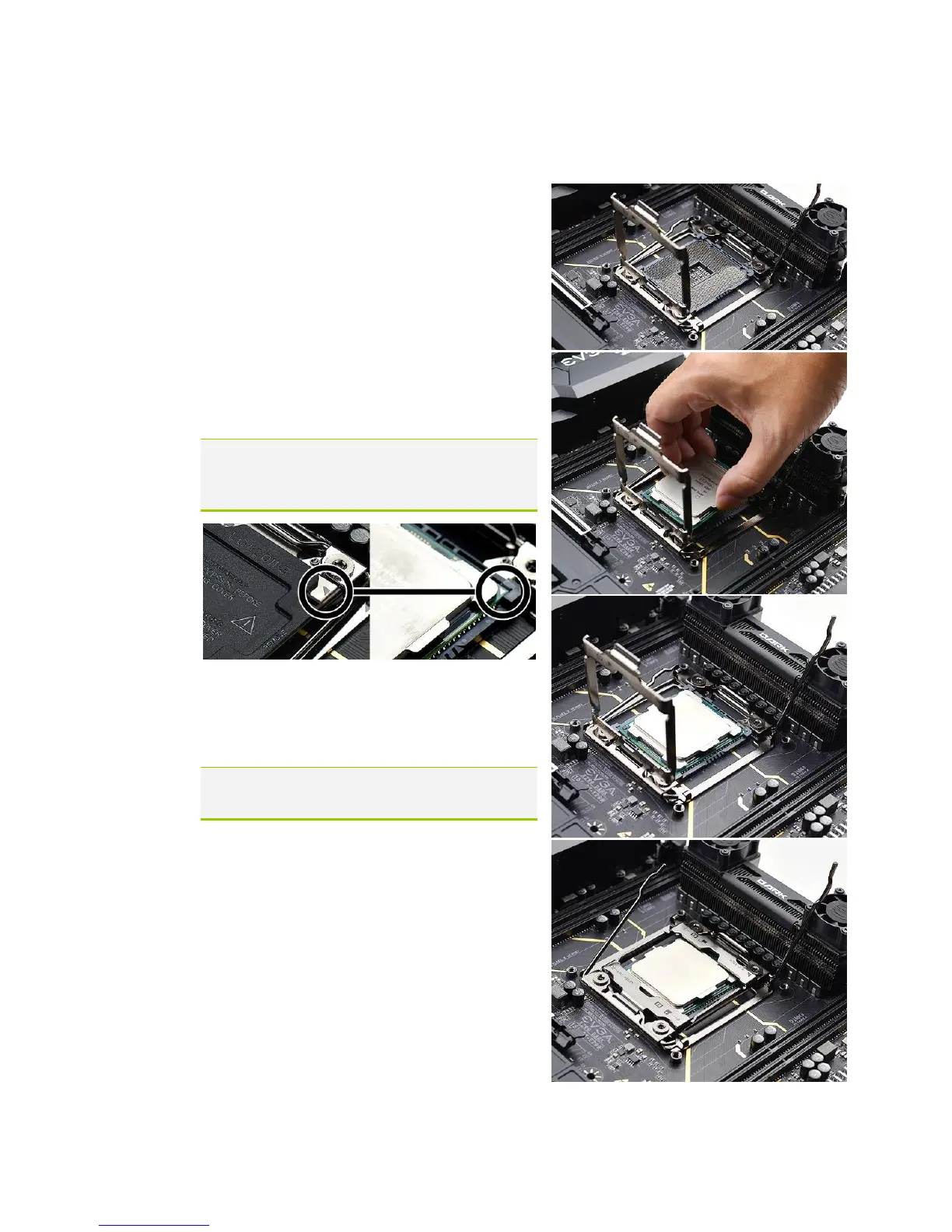
3. Pull the socket levers back and gently lift
the load plate to open the socket. Make
sure to avoid touching or dropping items
into the socket; otherwise, you may
damage the board socket and/or CPU
pins, which may void your warranty.
4. Align the notches on the CPU to the
notches in the socket, and lower the
processor straight down into the socket.
Note: The gold triangle key on the CPU
should match the triangle key on
the load plate.
Note: Make sure the CPU is fully seated
and level in the socket.
5. Lower the load plate so that it is resting
on the CPU.


 To Next Page