Product Parameters
The display supports horizontal and vertical rotation, and you need to set it in your
computer device: Extended mode - vertical rotation 90 degrees / 270 degrees.
Front
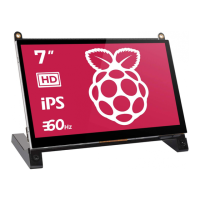
7”
OSD Menu introduction
Model
DS702
IPS Screen
7 inch
16:9
1024x600
178°
700:1
300 cd/m2
50%
8Ω2W
CNC Aluminium Alloy
Panel Type
Screen Size
Aspect Ratio
Refresh Rate
3.5mm headphone interface
60 Hz
Output Interface
Visual Angle
Resolution
Contrast Ratio
Brightness
Color Gamut
Shell Material
Built-in Speakers
SIZE&POSITION
SETUP
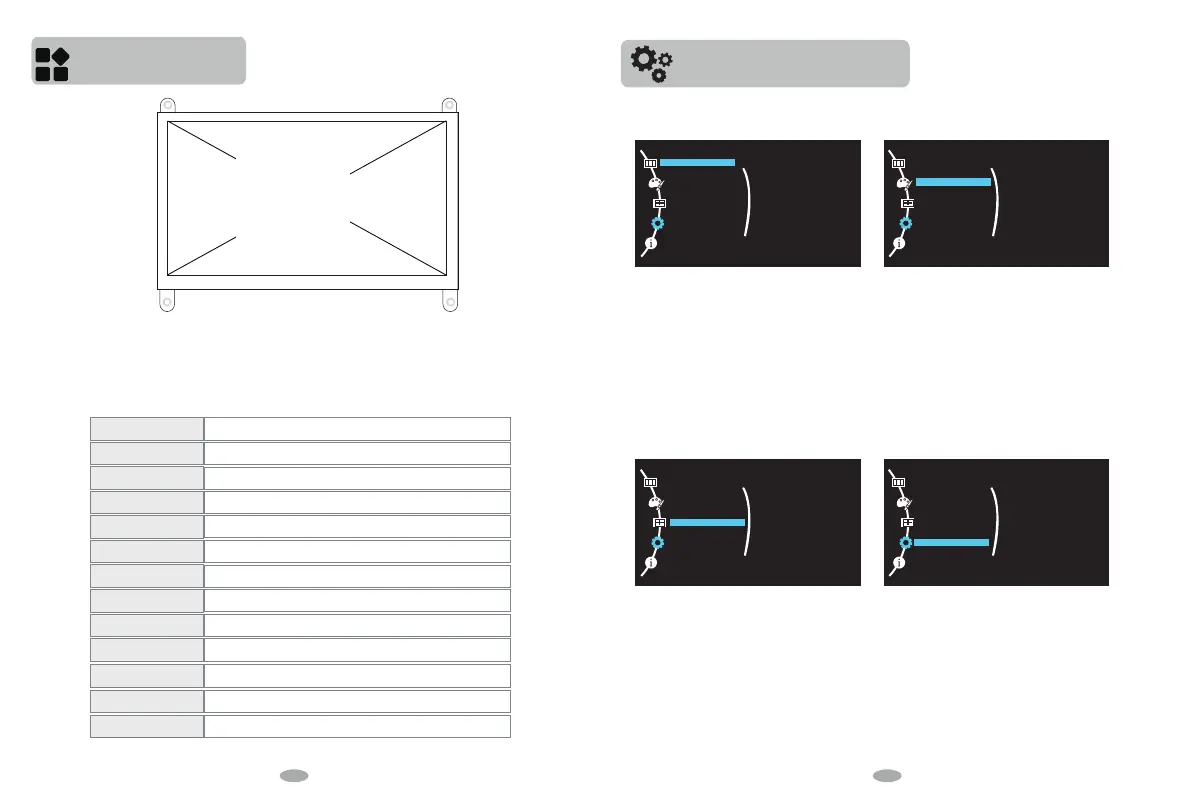
Press menu to enter screen setting,twice
press to option.Choose “Picture” double
press enter picture setting.Press “UP” or
“DOWN” to adjust brightness or contrast.
“SIZE&POSITION” is default setting.The
“Aspect Ratio” is 16:10
Choose “SETUP” Double press to choose
“Language”.There are 12 languages to choose.
“Signal Source” is default setting.Press menu
to choose “Menu H-Position” Menu V-Position”
“Menu Timer” “Audio Volume” and press up or
down to adjust.
Press menu enter setting.Then press down to
scroll and choose “COLOR”.Double press
enter color setting.You can adjust “Red”
“Green” “Blue” to press up or down.
COLOR
PICTURE
PICTURE
COLOR
SIZE & POSITION
SETUP
I NF OMAT I ON
Brightness
Contrast
PICTURE
COLOR
SIZE & POSITION
SETUP
I NF OMAT I ON
Aspect Ratio
PICTURE
COLOR
SIZE & POSITION
SETUP
I NF OMAT I ON
Language
Signal Source
Menu H-Position
Menu V-Position
Menu Timer
Audio Volume
Reset
PICTURE
COLOR
SIZE & POSITION
SETUP
I NF OMAT I ON
Color Temp.
Red
Green
Blue
6 7


 To Next Page