Page 7
Quick Reference Guide
Set-Up Mode
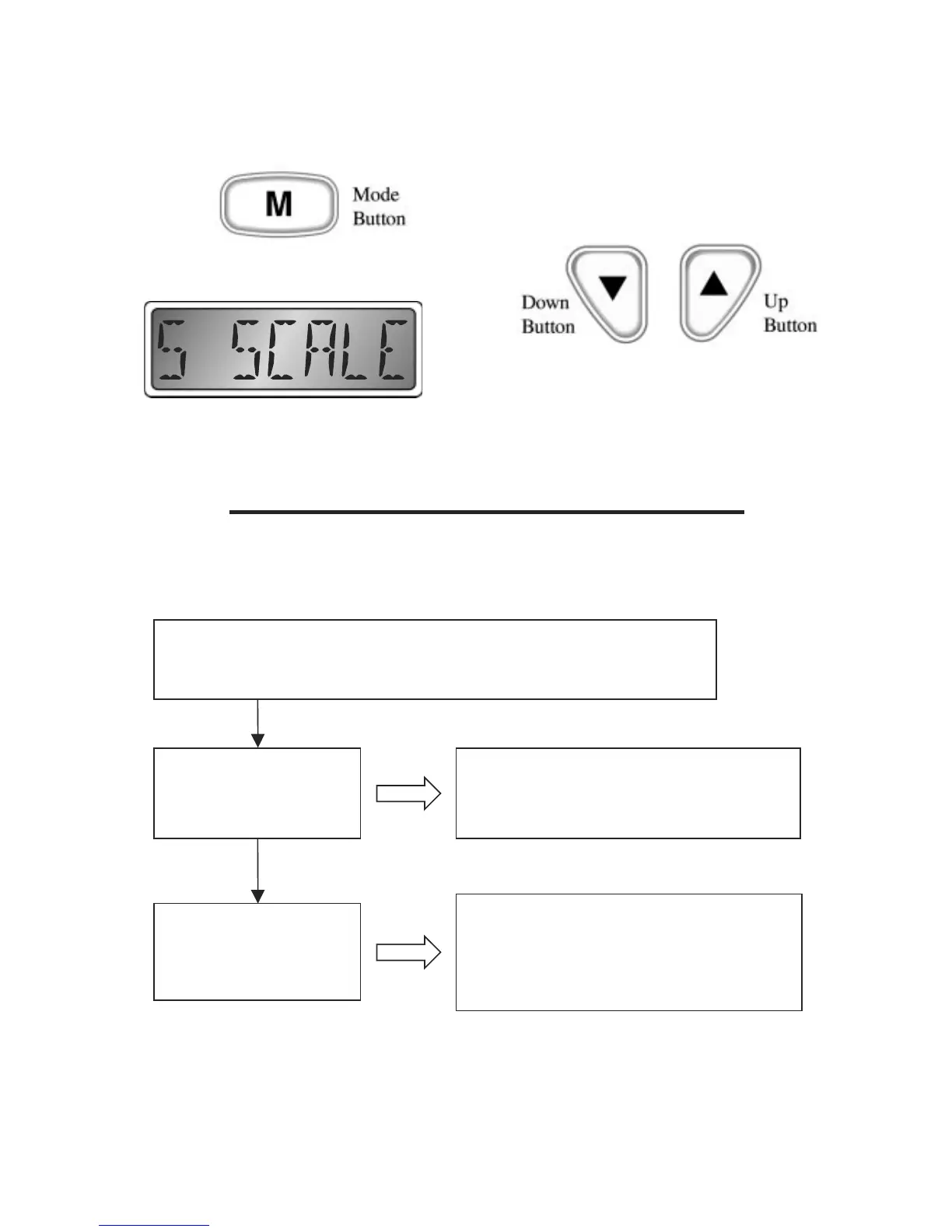
Figure 3
ENTER SETUP MODE:
Press both the “Up” and “Down” buttons while turning on instrument
To exit the setup mode, press and hold the “
Mode” Button
SETUP start screen,
shows that setup mode
has been entered.
se the “Up” or “Down” button to adjust
speedometer full scale reading to match dial.
The microprocessor will automatically
record the new setting as you modify it.
Pressing and holding the “Mode” button
sets the instrument to normal operation.
Speedometer Full Scale Selection
Refer to Figure 3 (below) for an
explanation of each of the speedometer
full scale selections.
This is normally a factory setting that
needs no adjustment. The setting adjusts
the “full scale” operating range of the
speedometer to match the dial on the
instrument. Using the “Up” and “Down”
buttons,
adjust the setting to match the maximum
reading on the speedometer dial: 50 or 70
MPH.


 To Next Page