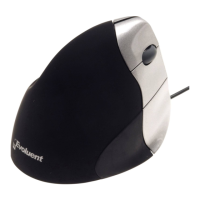
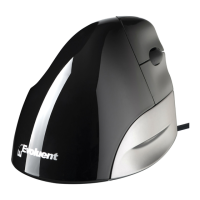
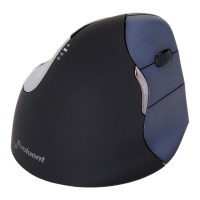
Evoluent Vertical Mouse Install
* * *Warning * * *
Wet hand sanitizer may damage the finish on the mouse. Wait
for the sanitizer to dry before touching the mouse. Do not use any
chemical cleaner on the mouse.
* * *Windows Install * * *
1.
Before connecting Evoluent Vertical Mouse. go to Control Panel to
remove any previous Evoluent Mouse Manager and any other
existing mouse software, except touchpad driver, to avoid
software conflict.
2.
In Control Panel, Mouse:
A.
On the Buttons tab, uncheck the box for Switch Primary and
Secondary Buttons.
B. On the Pointer Options tab, uncheck the box for Enhance Pointer
Precision and set the pointer speed slider to the middle position.
3.
Connecting the Evoluent:
Connect the receiver to a USB port directly on the computer.
Insert the battery with the +side facing out. Slide the On/Off switch
to the green position. The lights blink when the battery Is low. The


 To Next Page