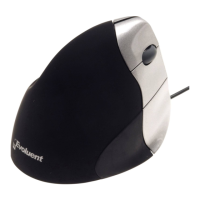
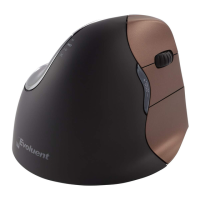
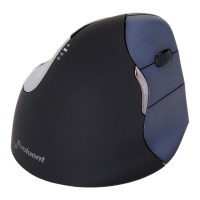
Need help?
Do you have a question about the Evoluent VerticalMouse and is the answer not in the manual?
Important safety advisory regarding potential injuries or disorders associated with mouse use.
Instructions for connecting the mouse to a computer using a USB port.
Instructions for connecting the mouse to a computer using a PS/2 port via an adapter.
Guide to installing the VerticalMouse Manager software and drivers via the setup wizard.
Accessing and utilizing the VerticalMouse Manager software for customization.
Assigning different functions to the mouse buttons using the 'Settings' tab and pull-down menus.
Enabling different pointer styles and customizing them within schemes.
Enabling a shadow under the pointer for a three-dimensional visual effect.
Adjusting pointer speed, precision, and enabling features like Snap To.
Configuring pointer trails, hiding while typing, and showing location with CTRL.
Controlling the number of lines scrolled per notch on the mouse wheel.
Information on where to find technical support and software updates online.
 General
| Adjustable DPI | Yes |
|---|---|
| Scroll Wheel | Yes |
| Design | Vertical |
| Buttons | 5 buttons |
| Connection Type | USB (wired) or Wireless (depending on model) |
| Compatibility | Windows, macOS |
| Hand Orientation | Right-handed |
| Weight | Approx. 150g (varies by model) |
| Dimensions | Varies by model |

 To Next Page