-7-
* Key
Under standby mode, press *
key twice to display “+”.
Under FM radio, Video player,
in conversation status * key
to decrease the volume.
# Key
Switch input method under
text edit interface.
Long press change user
profiles under standby
interface.
Under FM radio, Video player,
in conversation status press
“#” key to increase volume.
2
2
.
.
D
D
e
e
s
s
c
c
r
r
i
i
p
p
t
t
i
i
o
o
n
n
I
I
c
c
o
o
n
n
s
s
Note: Icons are only for demonstration;
they may differ in actual device.
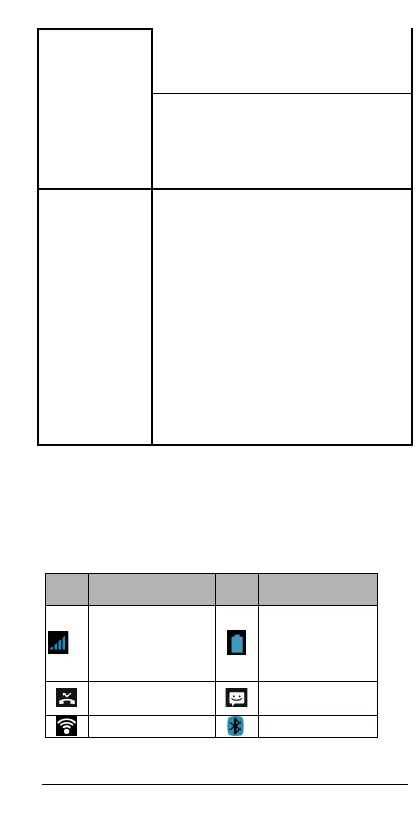
cons Descriptions
Descriptions
Shows the
phone’s
network signal
strength.
Show the
phone’s
battery
capacity.
Missed calls.
Unread SMS.














 To Next Page