86
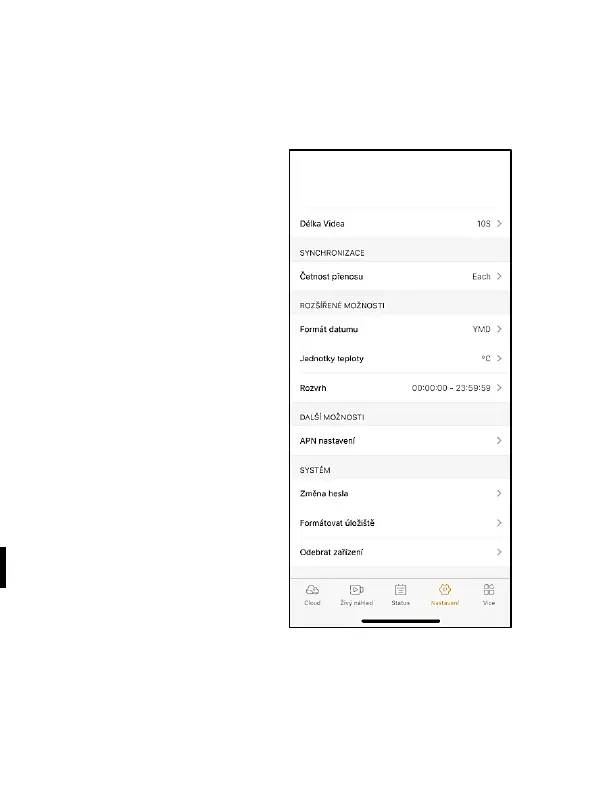
Delay – the interval between individual activations. After taking a
photo, the camera waits for the selected interval before it is
possible to take another picture – it is used to eliminate
unwanted alarms.
Photo size – The resolution of
pictures taken can be set – 3–30
Mpx – the bigger the value, the
more space the pictures fill. The
optimal value for most purposes
is 16 Mpx.
Picture series – The number of
pictures the camera is to take
when activated.
Sensitivity – sets the sensitivity
of the PIR sensor
Device name – is then displayed
in notifications and individual
cameras can be distinguished if
you use more than one in the
application.
Device ID – camera IMEI
number
Share the device – Generates a QR code with which another user
on their phone can add a camera to the application.


 To Next Page