LCD Screen People Counter - Installation and Operation Guide
© 2016 EvolvePlus Pty Ltd 5 www.evolveplus.com.au
Be aware of infrared light from other sources like bright lights and infrared devices. When the
PRx20D1 or PRx10D1 receives infrared from other sources, instead of the PTx10-1, unexpected
behaviour could be the result.
Due to the strong field of AM anti-shoplifting systems it is recommended to place the People
Counter at least 1 metre away from an AM system.
Check Alignment
To hav e a c cu r ate c o un t in g t h e re c e iv er (PRx20D1 or PRx10D1) needs to ‘see’ the transmitter (PTx20-1 or
PTx10-1).
The receiver contains an alignment feature which helps you to point the transmitter to the receiver.
To e na b le th e a lig nme n t m ode sl id e t h e magnet on the top of the receiver (PRx20D2 or PRx10D2).
When the LED is blinking red you need to point the transmitter to the receiver until the LED lights up green
continuously.
Accuracy of the People Counter
The accuracy of the counter will be higher when the distance between the transmitter and receiver gets
smaller. When one or more persons pass the infrared beam at once, the People Counter will increase the
count value by one.
Start Counting
The count value on the display will count from 0 to 999999 for one or both directions separately depending
on the type of counter. The green status led on the receiver will blink once each time a count is created.
Resetting the count value
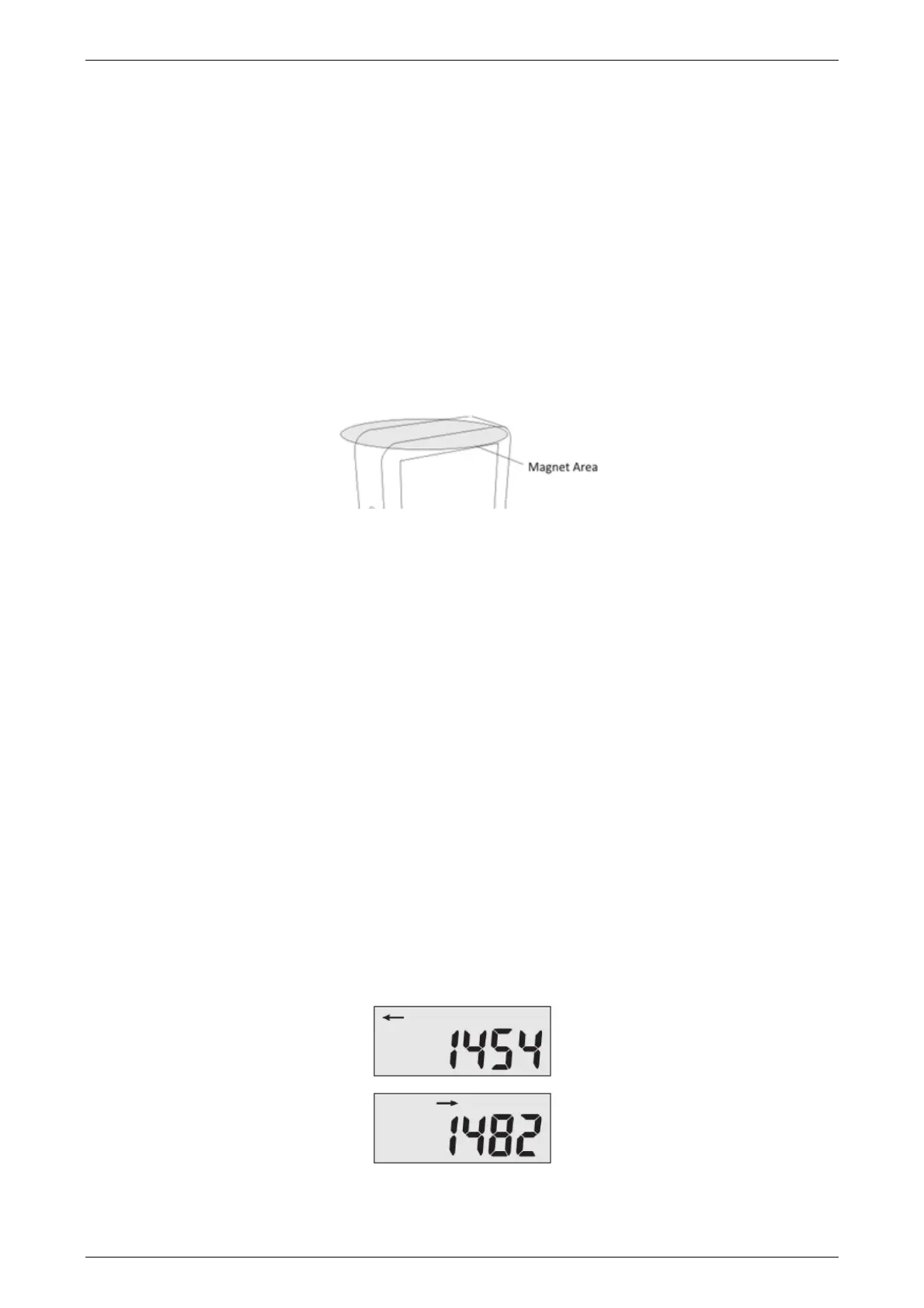
To res e t th e value on the display to 0, slide the magnet over the top side of the receiver (PRx20D1 or
PRx10D1).
Note: The alignment mode in the receiver will also be activated when resetting the display.
Slide again with the magnet over the top side to disable the alignment mode.
Determine the direction of the count value (PRx20D1 & PTx20-1)
When a count is made the display will immediately show the new count value of that direction.
The arrow above the count value shows the direction of that value.
When there is no activity and no counts are made, the LCD display will automatically switch between both
directions.



 To Next Page