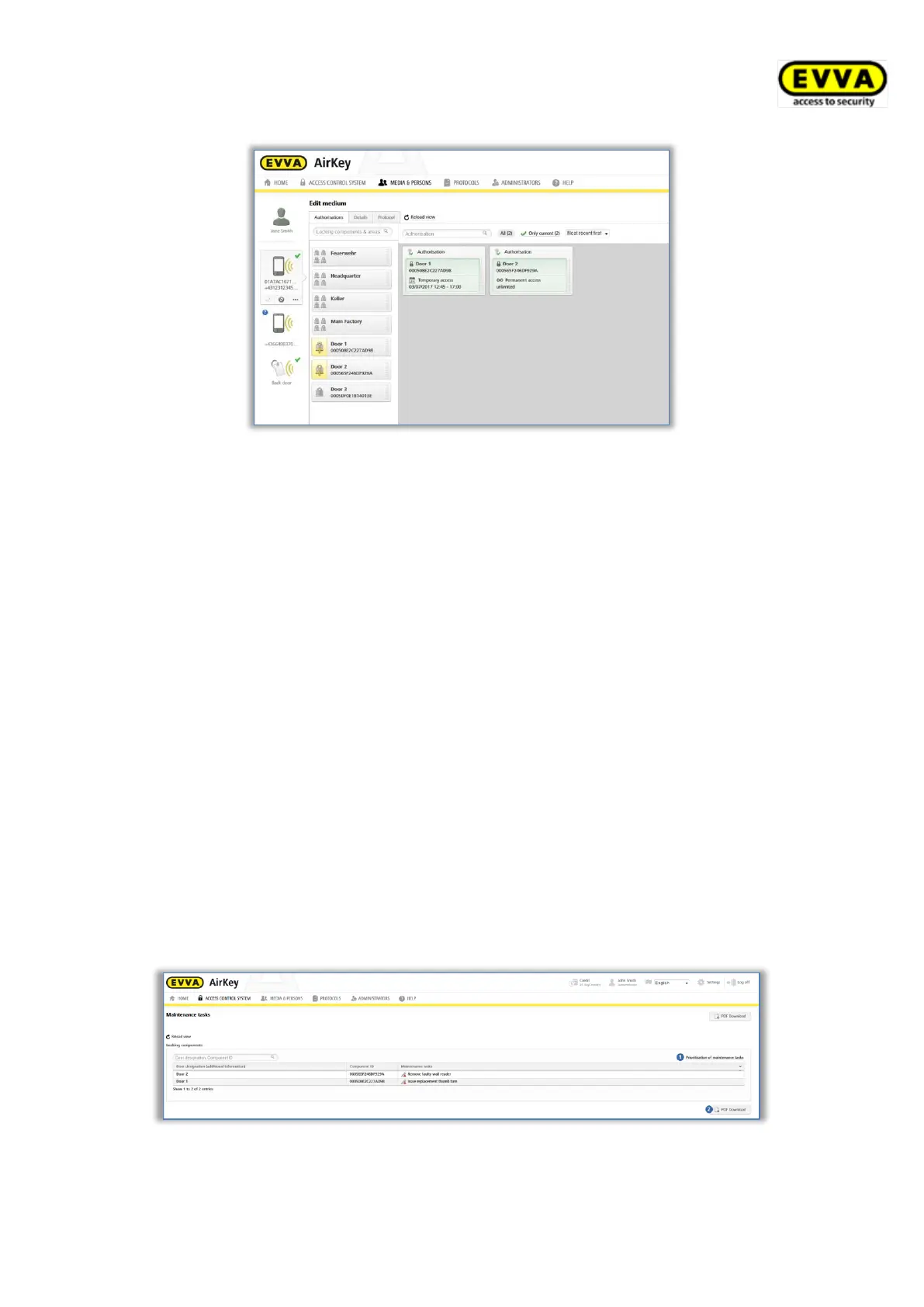
Figure 158: Editing media
5.5.11 Maintenance tasks
Certain functions influence the locking component configuration. Such changes to the
configuration are known as maintenance tasks. Consequently, maintenance task relate to
locking components where the status is not up to date.
Proceed as follows to view a list of up-to-date maintenance tasks within the access control
system:
> On the Home screen select the Maintenance tasks link.
> Alternatively click Maintenance tasks in the status bar.
> You can also select Access control system → Maintenance tasks in the main
menu.
This section provides a transparent list of maintenance tasks for locking components within
your access control system.
You can search for door designations or component IDs in the list of maintenance tasks. You
can sort the "Door designation (additional information)", "Component ID", and "Maintenance
tasks" columns.
You can also prioritise maintenance tasks and create a PDF file to print.
Figure 159: Maintenance tasks


 To Next Page
 Loading...