> 6 – Individual authorisation: (1), (2), (3), (4) and (5) do not apply as the medium
features exactly one individual authorisation with a minimum of one sub-authori-
sation for the locking component with expiry date in the future or one area to which
the locking component has been assigned to and no other authorisations for the
locking component or an area assigned to the locking component.
> 7 – Multiple authorisations: medium features a minimum of two authorisations for
the locking component or any area assigned to the locking component that have not
expired yet.
> B – Blacklist: medium deactivated, i.e. on the locking component blacklist. This will
invalidate any authorisations on media.
> E – Expired authorisation (all types): any media authorisations for the locking
component or any area assigned to the locking component that have not expired yet.
5.6 Media & persons
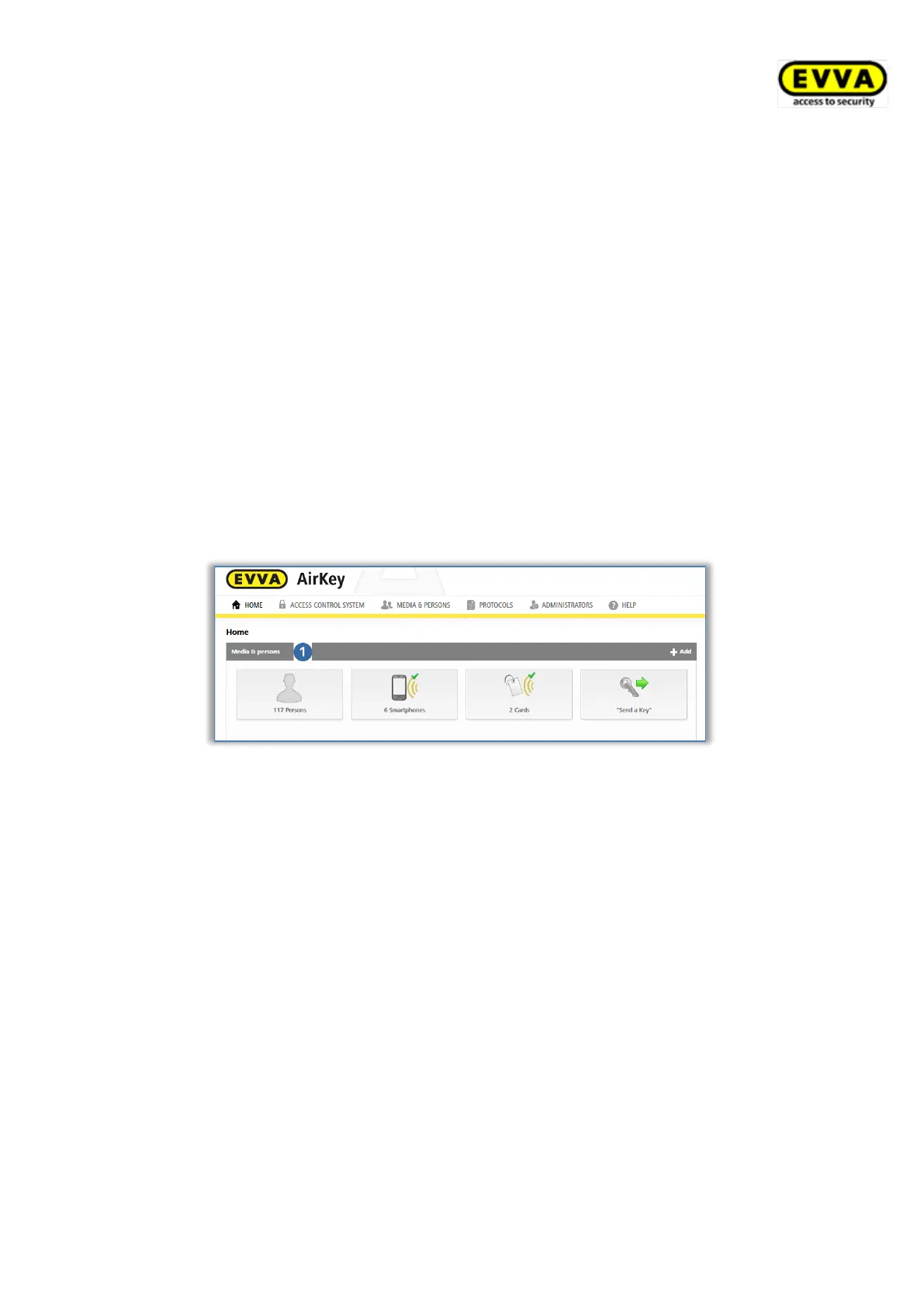
The Media & persons main menu is intended to manage all persons, media, and authori-
sations within the access control system.
Figure 162: Media & persons
5.6.1 Overview of persons
On the Home screen, select the Persons tile or click Media & persons → Persons in the
main menu for a list of all created persons including the number of media they own as well
as their media states.
The list shown enables the following functions:
> Enter a search term with a minimum of three characters in the search field .
Select first name, last name, ID or e-mail address.
> Click the corresponding column heading to determine it as the sorting criterion .
> You can also export the entire list to a CSV file for further processing .


 To Next Page
 Loading...