> Click on the yellow button Create 1 authorisation. Please refer to Creating
authorisations for more information.
> Pull to refresh and update your smartphone or, if you are using cards, key fobs, combi
keys or wristbands, use the coding station to update and complete the process.
5.6.16 Deleting authorisations
You can delete any assigned authorisations if they are no longer required.
> On the Home screen, select the Smartphones or Cards tile.
> Alternatively select Media & persons → Media in the main menu.
> Select the medium from the overview list for which you would like to delete
authorisations.
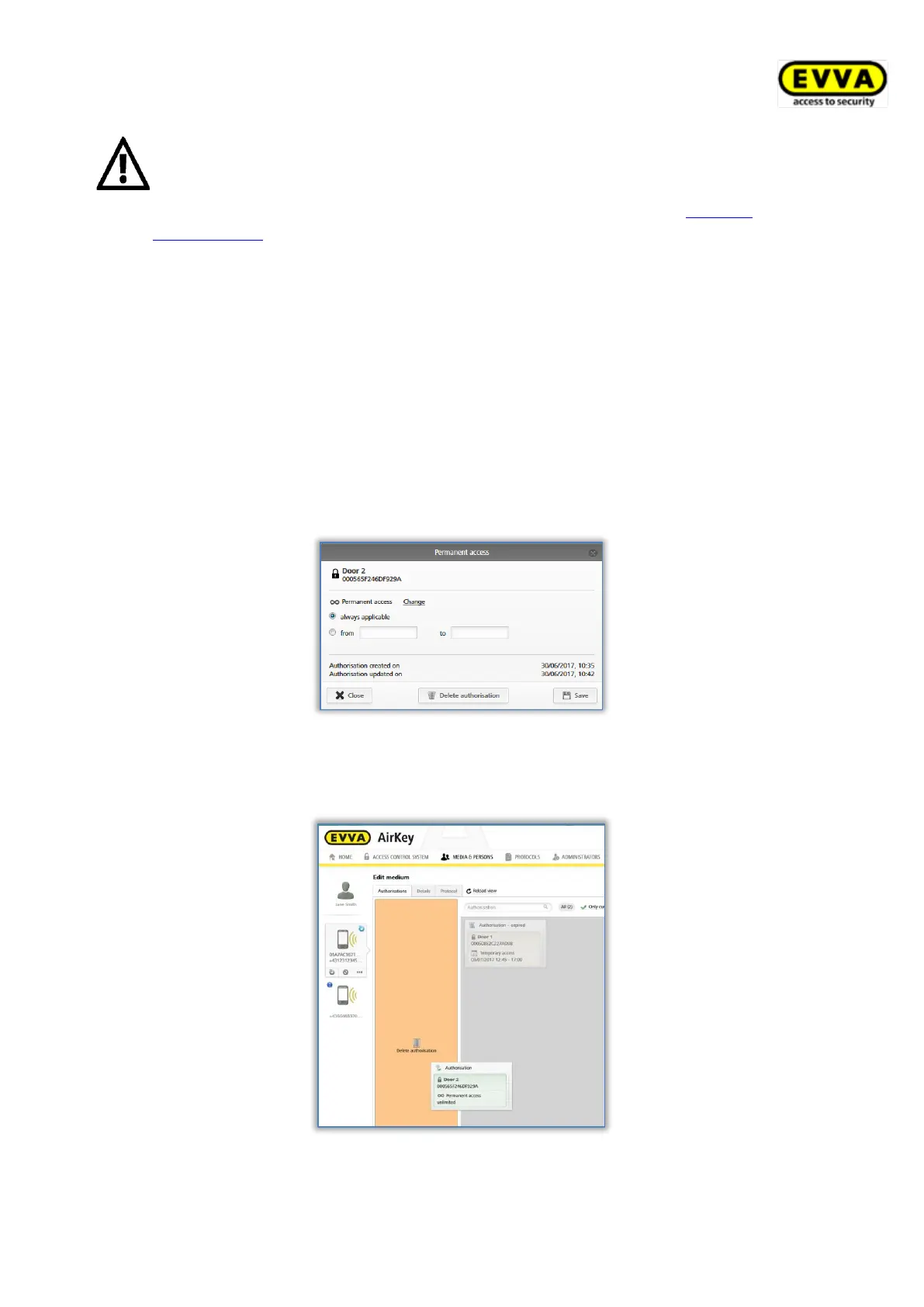
> In the "Authorisation" tab, click the authorisation you would like to delete.
Figure 179: Permanent access
Alternatively drag and drop the door / area from the centre to the box highlighted in
orange Delete authorisation.
Figure 180: Deleting authorisations
> Click Delete authorisation.


 To Next Page
 Loading...