AirKey system manual version 2.7 |
06/03/2024 | Subject to technical changes and misprints
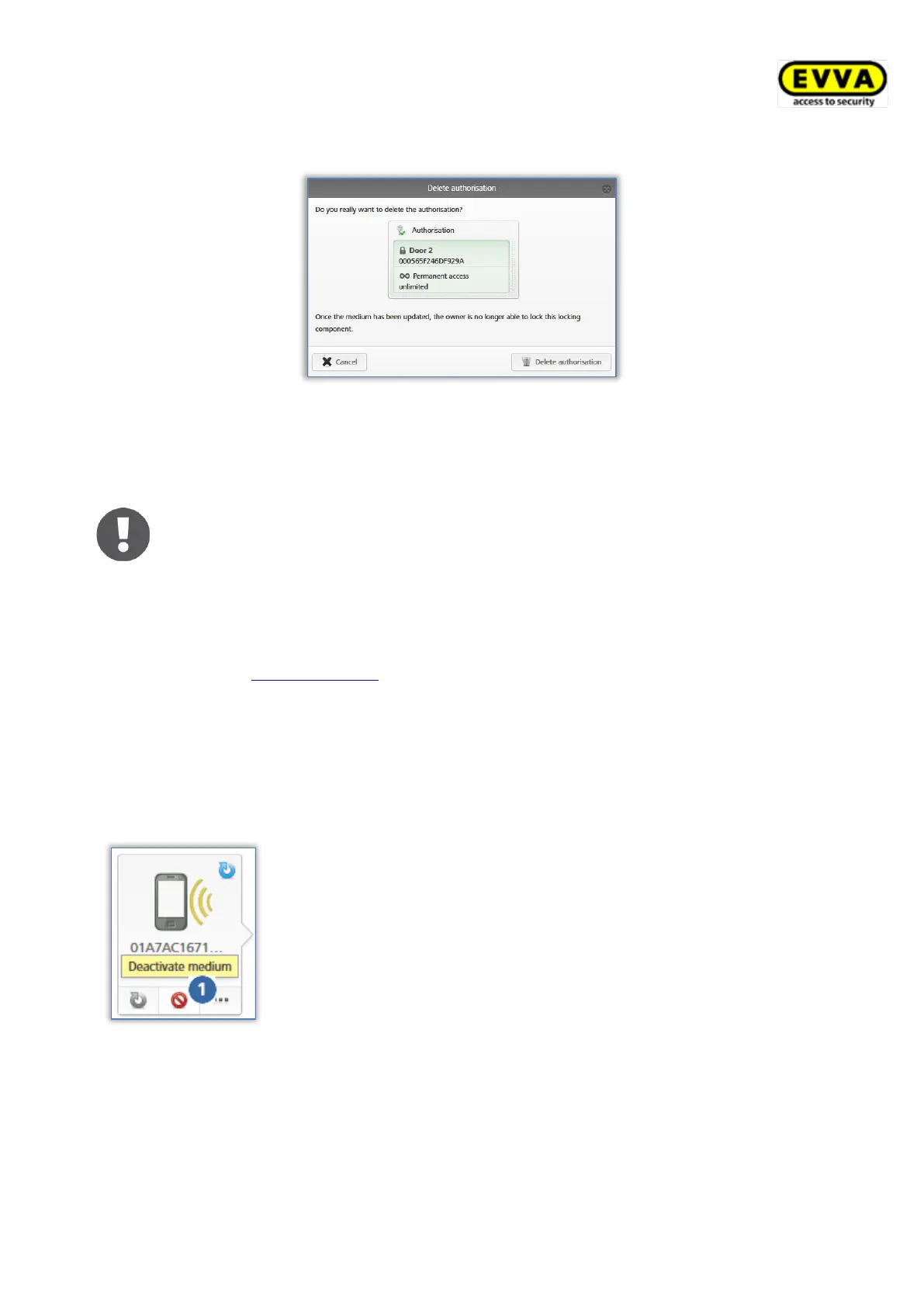
> Click Delete authorisation to confirm the security prompt.
Figure 181: Deleting authorisations
> Pull to refresh and update your smartphone or, if you are using cards, key fobs, combi
keys or wristbands, use the coding station to update and complete the process.
KeyCredits will not be deducted from your account for deletions. Deletions
immediately come into effect. However, it is always necessary to update the
media to complete the deletion process.
Do not use this function if you lose media. This function exclusively allows
you to delete the authorisation if the medium is physically available. If
media is lost, use the "Deactivating media" function.
Use the Emptying media function to delete all authorisations on the corres-
ponding medium.
5.6.17 Deactivating media
Use the "Deactivate medium" function if there is a security risk and you intend to render all
of the medium’s authorisations invalid, e.g. if a medium has been lost or damaged.
Figure 182: Deactivating media
> On the Home screen, select the Smartphones or Cards
tile.
> Alternatively select Media & persons → Media in the
main menu.
> Select the desired medium from the overview list.
> Click Deactivate medium .
> State the reason for deactivation. Select "Other" to
activate the input field (character limit: 50 characters).
> If necessary, enter additional information (at maximum
500 characters) in "Additional comments".
> Click Continue.
> Click Deactivate medium to confirm the security prompt.


 To Next Page
 Loading...