AirKey system manual version 2.7 |
06/03/2024 | Subject to technical changes and misprints
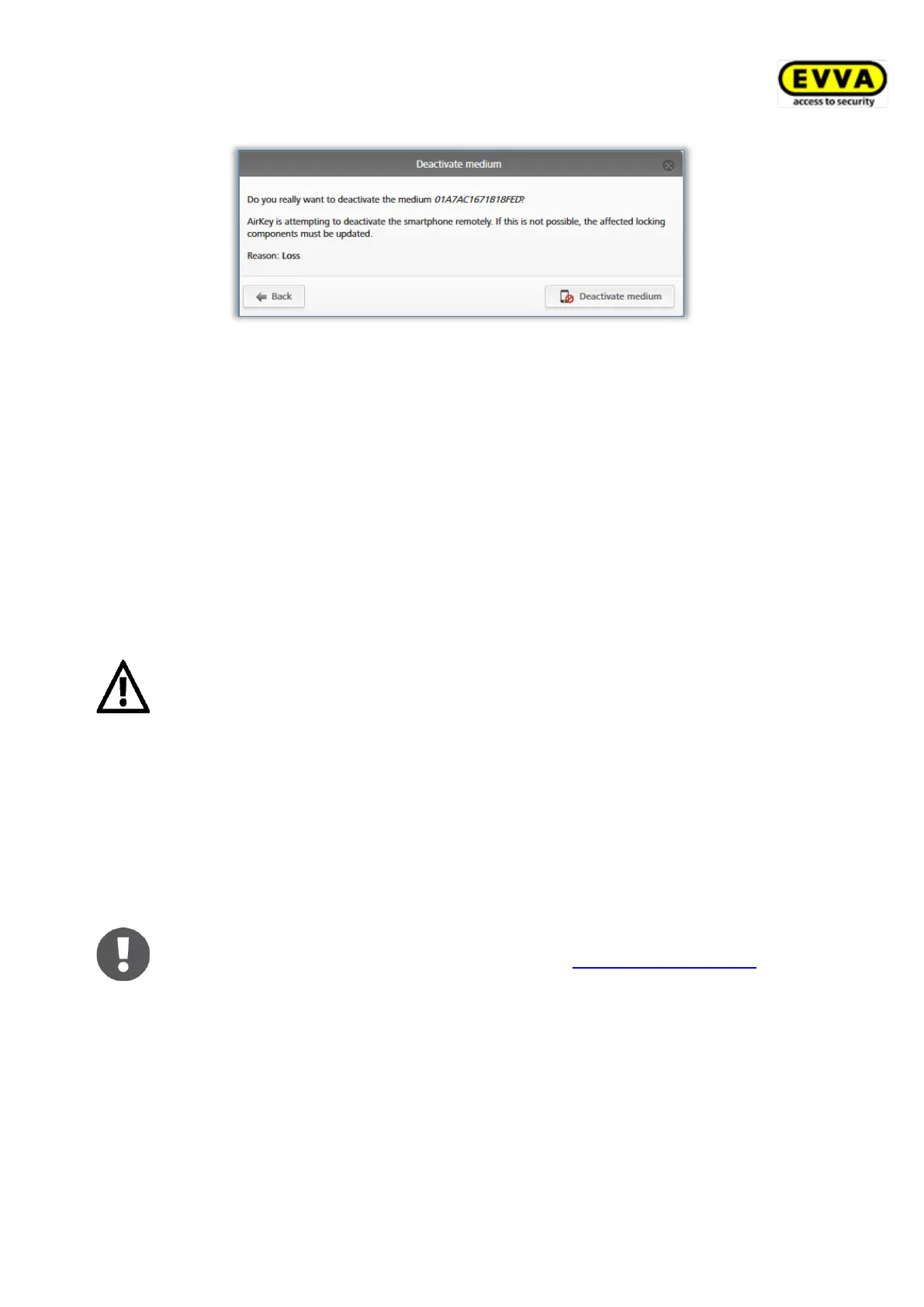
Figure 183: Deactivating media – security prompt
A confirmation prompt confirms deactivation of the medium.
Any authorisations assigned to the medium are highlighted for deletion. In the event of
cards, key fobs, combi keys and wristbands the system immediately creates a blacklist entry
for all locking components to which the medium had been authorised. For smartphones the
entry is only triggered if the smartphone was not available for five minutes. A blacklist entry
means the system creates a maintenance task for the affected locking component. As a
result, affected locking components are out of date until updated.
> Update the locking components for which the medium had been authorised. The
maintenance task will consequently disappear from the list and deactivated media are
no longer authorised to unlock the locking components.
Do not use this function to delete individual authorisations assigned to
media. Deactivating a medium is a function that affects all the medium’s
authorisations within an access control system.
Deactivations apply to your access control system only. If a smartphone has
been registered in several access control systems, the smartphone’s status
remains up to date in the other access control systems and the medium is
not deactivated.
If one person has registered one smartphone in several access control
systems, contact all administrators of the affected access control systems to
completely deactivate the smartphone.
The medium remains assigned to the person. Delete the assignment if you
would like to delete the medium. Please refer to Cancelling assignments for
more information.
5.6.18 Removing deactivated media
You can remove deactivated media from the access control system without the corres-
ponding medium being available. As a result, you can keep the master data in the AirKey
Online Administration at a low level in terms of lost, stolen or faulty media.


 To Next Page
 Loading...