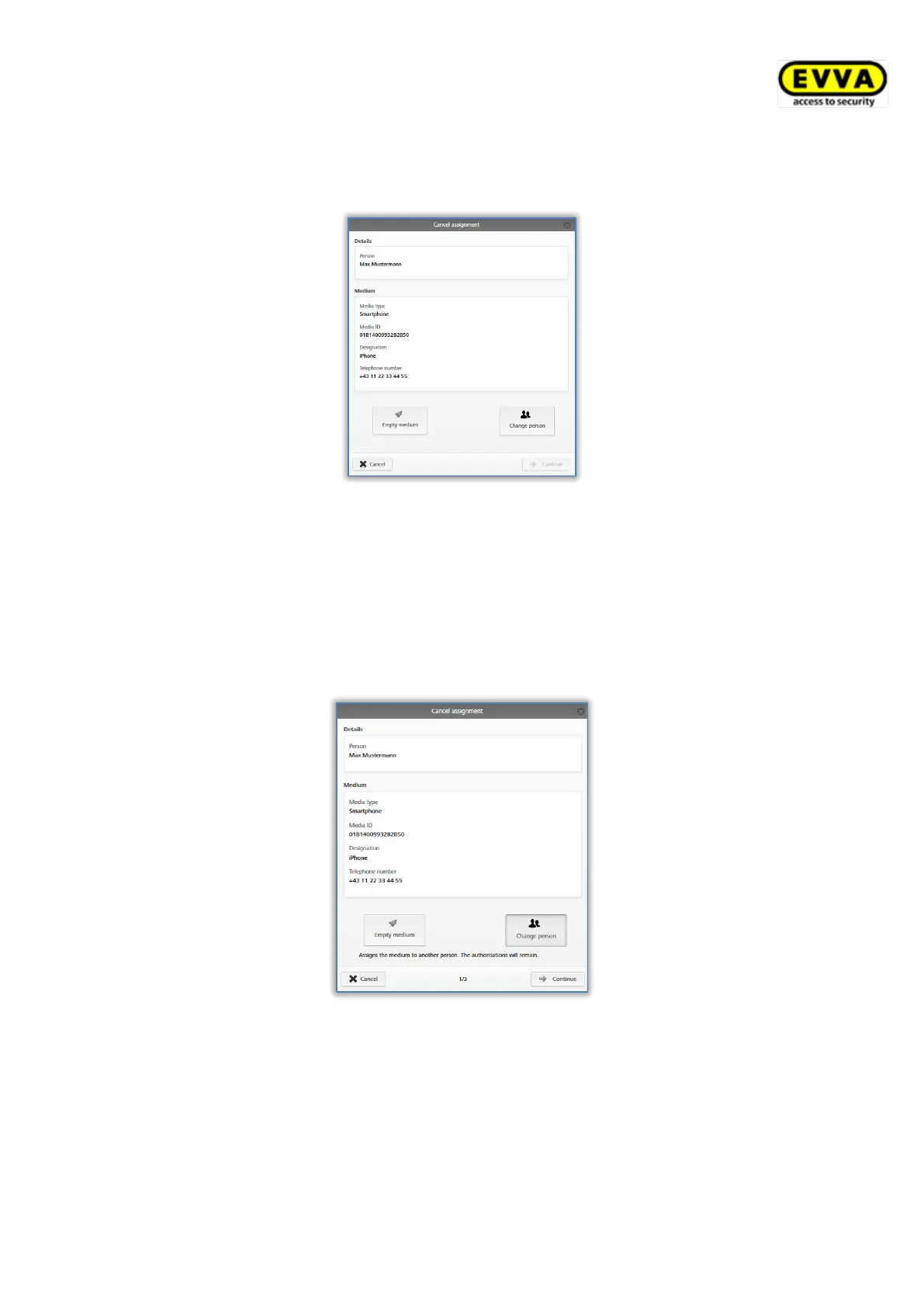
If there are authorisations on the medium and you run the Cancel assignment function,
the system shows an alternative dialogue. In this dialogue, you can choose between emptying
the media and transferring the medium to another person.
Figure 197: Cancelling assignments with authorisations
If you make use of the Empty medium function within the context of the Cancel assign-
ment function, you must once again run the Cancel assignment function after having
updated the medium to successfully complete the deletion process of the authorisations.
Proceed as follows to transfer the medium including all its authorisations to another person:
> Click More... → Cancel assignment.
> Select Change person and confirm with Continue.
Figure 198: Cancelling assignments – changing persons
The system shows a list of all created persons. Select the desired person and click Continue
to confirm.


 To Next Page
 Loading...