AirKey system manual version 2.7 |
06/03/2024 | Subject to technical changes and misprints
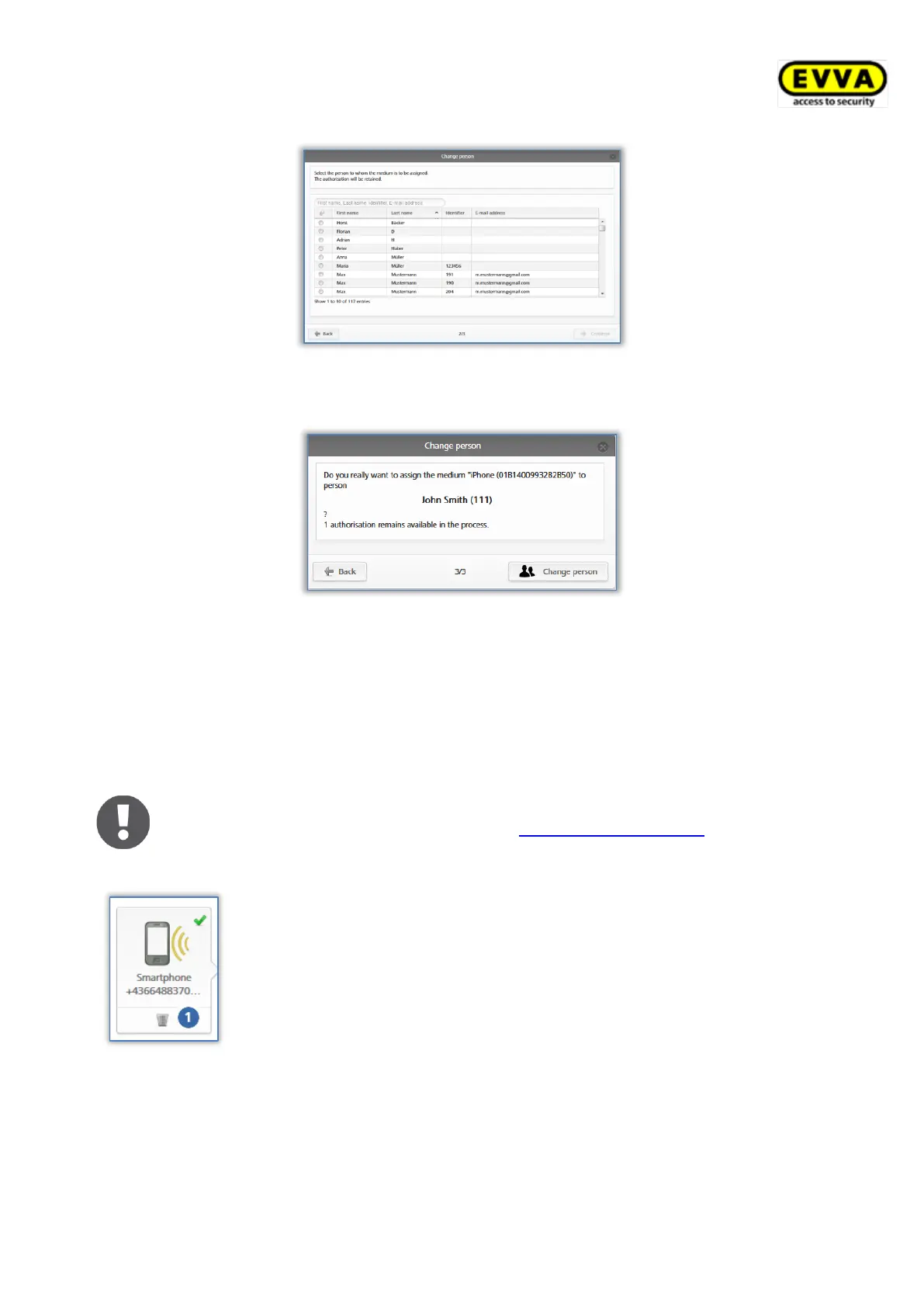
Figure 199: Changing persons
Click Change person to confirm the security prompt and successfully complete the process.
Figure 200: Changing persons
A message indicating the process was successful appears upon completing the process
successfully.
5.6.24 Removing media
Remove media if you would like to no longer show or use them in your access control
system.
It is exclusively possible to remove media if you have cancelled their
assignments to persons. Please refer to Cancelling assignments for more
information.
Figure 201: Deleting media
– recycle bin
> On the Home screen, select the Smartphones or Cards tile.
> Alternatively select Media & persons → Media in the main
menu.
> Click the medium you would like to delete in the overview list.
> Click the recycling bin icon below the media icon .
> Click Remove medium to confirm the security prompt.


 To Next Page
 Loading...