AirKey system manual version 2.7 |
06/03/2024 | Subject to technical changes and misprints
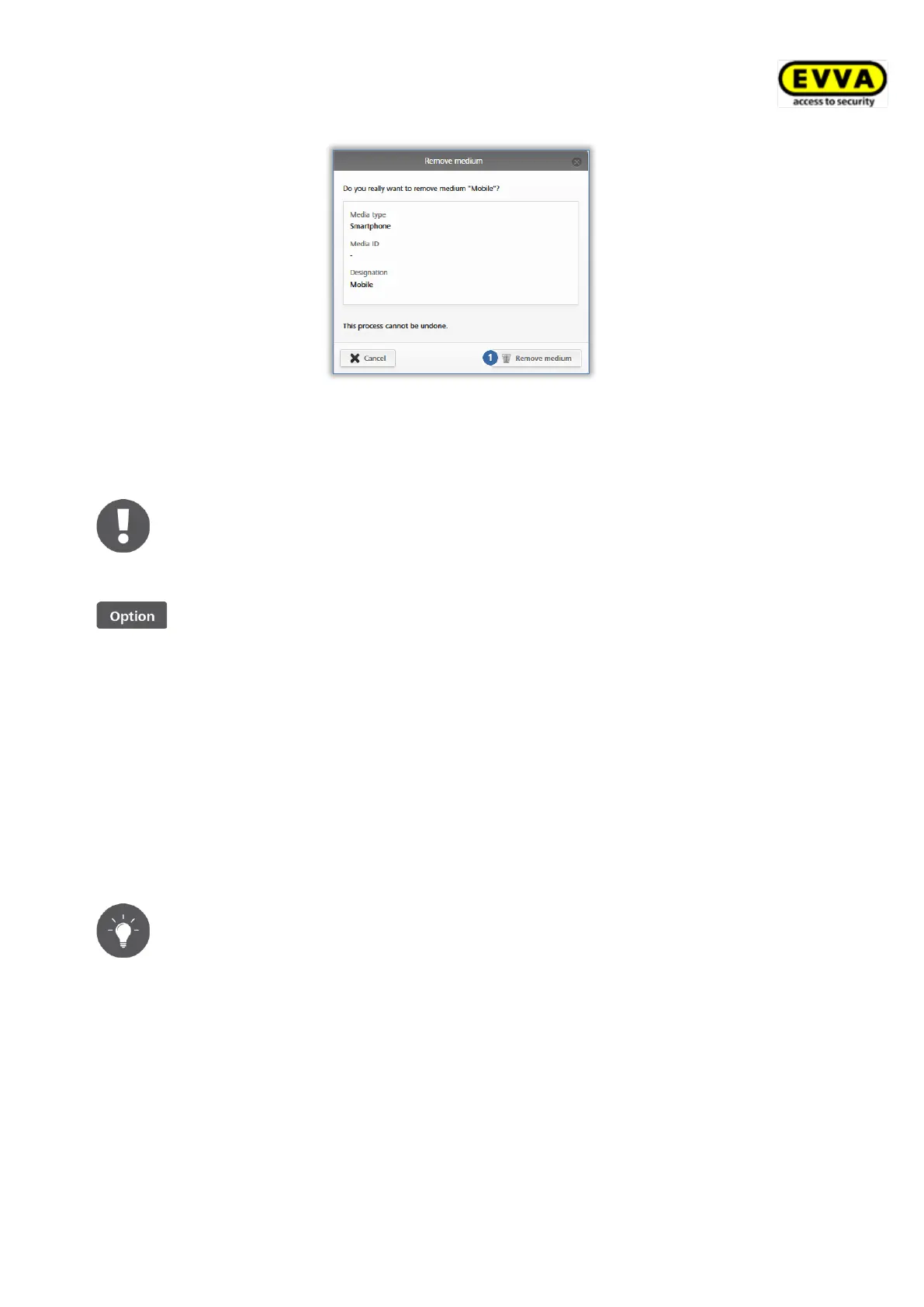
Figure 202: Removing media
Once the medium has been fully deleted, it is no longer shown on the media overview list.
You are forwarded to the media list.
The media returns to factory state once it has been removed from the
access control system and you can add it to another access control system.
If you would like to remove media without authorisations and assignments
to persons using the coding station, place the medium on the coding station
and subsequently select the Remove medium link within the status
message.
5.7 Event logs
The Event log main menu provides central overview of all events within your access control
system. Depending on the general settings for logging and repair options or personal data in
event log entries, the system records rejected access (if the medium has an authorisation
for the locking component, but the authorisation was not valid at the time of the access
attempt) in addition to granted access events and technical events. Any events transferred
to the AirKey Online Administration remain saved there for an unrestricted period of time.
We recommend you reload the event logs regularly to be able to have the
most recent event log entries available. For this purpose, use the Reload
view function.


 To Next Page
 Loading...