AirKey system manual version 2.7 |
06/03/2024 | Subject to technical changes and misprints
We explicitly point out that this access control system may be subject to
mandatory reporting / approval processes depending on the applicable,
legal stipulations, particular data protection legislation. As a consequence,
EVVA Sicherheitstechnologie GmbH shall not assume any liability for or
guarantee operation in compliance with valid, legal stipulations.
Activate the Four-eyes principle for the event log viewing to ensure
even greater protection for personal data. The confirmation of a second
system administrator is required to view the locking component event log
and the media event log. Details about the activation can be found in the
chapter General.
5.7.1 Locking component event log
If the four-eyes principle for the event log viewing is not activated, follow the steps
below to view the locking component event log:
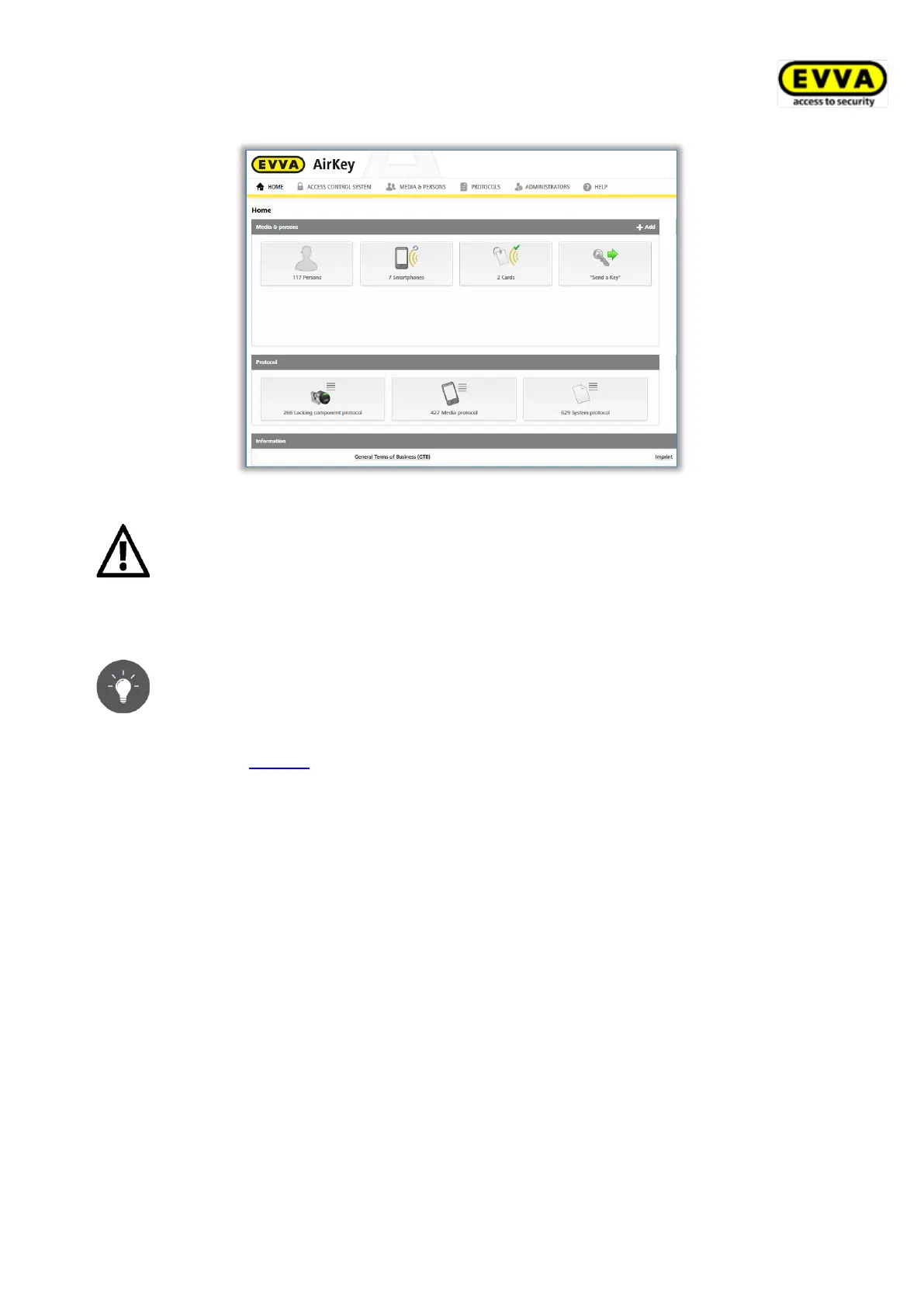
> On the Home page, select the Locking component event log tile.
> Alternatively select Event log → Locking components & areas.
If the four-eyes principle for the event log viewing is activated, follow the steps below
in addition to view the locking component event log:
> Select a second system administrator from the list to whom a confirmation code
should be sent by e-mail and click Send confirmation code.


 To Next Page
 Loading...