AirKey system manual version 2.7 |
06/03/2024 | Subject to technical changes and misprints
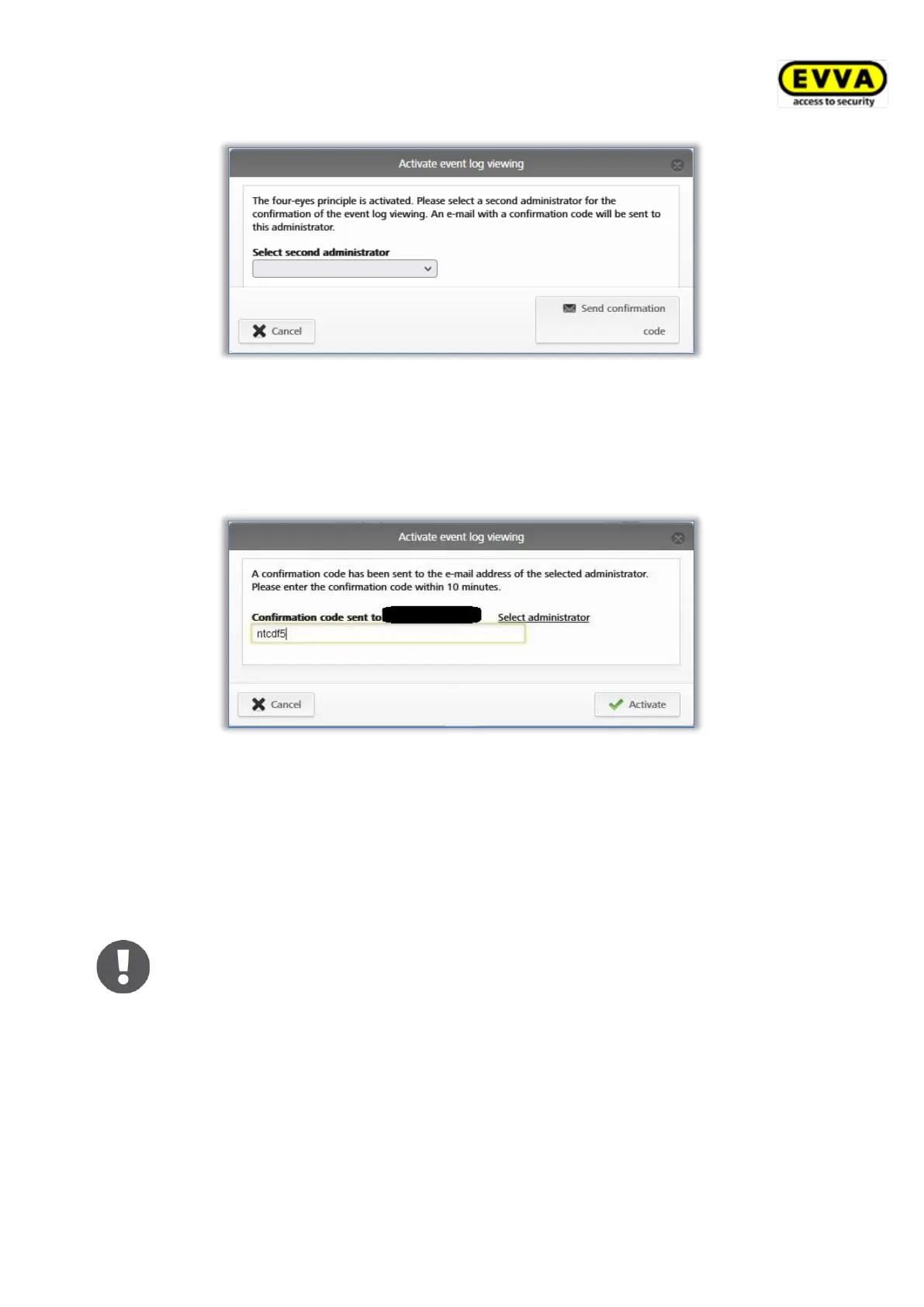
Figure 204: Activating event log viewing – selecting second administrator
> An e-mail with a confirmation code will then be sent to the selected system
administrator.
> This confirmation code must be entered in the AirKey Online Administration within
10 minutes and confirmed with Activate.
Figure 205: Activating event log viewing – entering confirmation code
If this process is not completed within 10 minutes, the process must be repeated. If
the selected system administrator does not respond, another system administrator
can also be selected via the Select administrator link to activate the event log
viewing.
Afterwards the locking component event log will be displayed.
The activation of the event log viewing is valid until the next logout of the
system administrator. This means that both the locking component event
log and the media event log can be viewed as often as you like.
The list shown features all entries for locking components and areas.
> If necessary, select individual locking components and areas from the left-hand
column for which you would like to view event logs. Click All entries in the bottom
left if you would once again like to view all locking components for a specific area.
> Enter a minimum of three characters in the search field for a targeted search.


 To Next Page
 Loading...