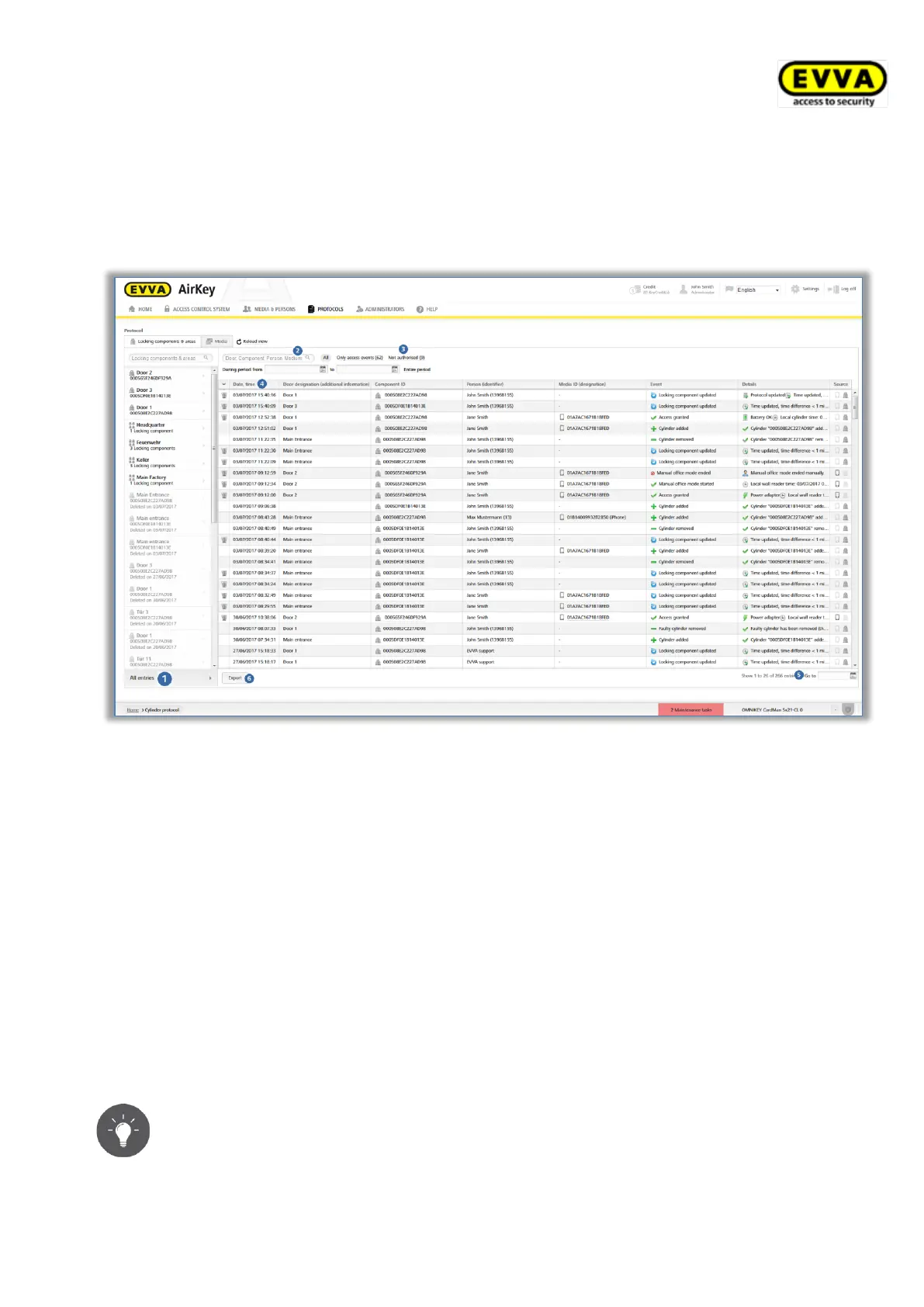
> Click the corresponding link to additionally activate the filter (e.g. "Not authori-
sed"). This will exclusively list entries where access was denied.
> By default, the list has been sorted by date and time (most recent entries at the
top). Click the "Date, time" column header to change the sort order. It is not possible
to sort this table by other column headings.
Figure 206: Locking components & areas event logs
> If the list is extensive, use the Go to field in the bottom right to quickly browse to
a certain date.
> Use the Export button in the bottom left if you would like to export the entire
event log to a CSV file. You can then process this export regardless of the AirKey
Online Administration.
All required information, such as date and time, door designation (additional information),
component ID, user (user ID), media ID (designation) and the corresponding event are
listed within the event log. The "Details" column lists more detailed information on this
particular event.
The "Source" column shows whether the event log entry was generated by a medium and/or
a locking component.
We recommend you reload the view regularly to be able to have the most
recent event log entries available. For this purpose, use the Reload view
function.


 To Next Page
 Loading...