AirKey system manual version 2.7 |
06/03/2024 | Subject to technical changes and misprints
> Enter the correct PIN code and select OK.
Figure 223: AirKey app – entering PIN code
The PIN code is temporarily saved until you quit the AirKey app, move it to
the background or activate the screen lock. Use it to unlock locking compo-
nents without having to enter the PIN code once again.
The PIN code is also saved temporarily if its input is mandatory after having
unlocked a locking component for the first time. The PIN code is no longer
required the next time you unlock a locking component (same or another
component). This also applies until you quit the AirKey app, move it to the
background or activate the screen lock.
6.7 Encoding media
Thanks to this AirKey app function you can update access media (excluding smartphones)
using locking components that are compatible with Bluetooth (cylinders, wall readers).
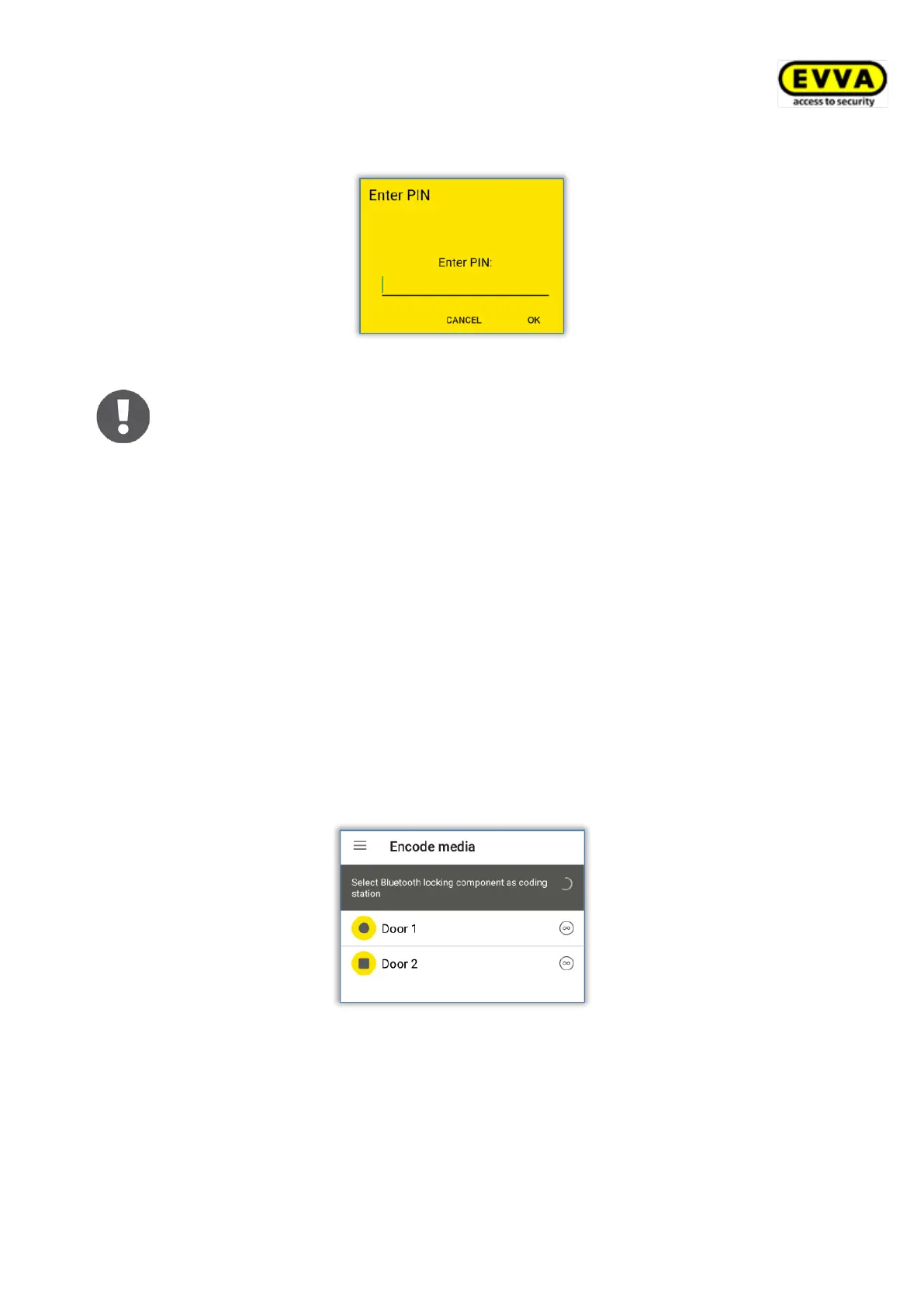
> Select Encode media in the AirKey menu.
> Select the Bluetooth locking components you would like to update from the list of
displayed components.
Figure 224: Encoding media – Bluetooth selection list – locking components


 To Next Page
 Loading...