AirKey system manual version 2.7 |
06/03/2024 | Subject to technical changes and misprints
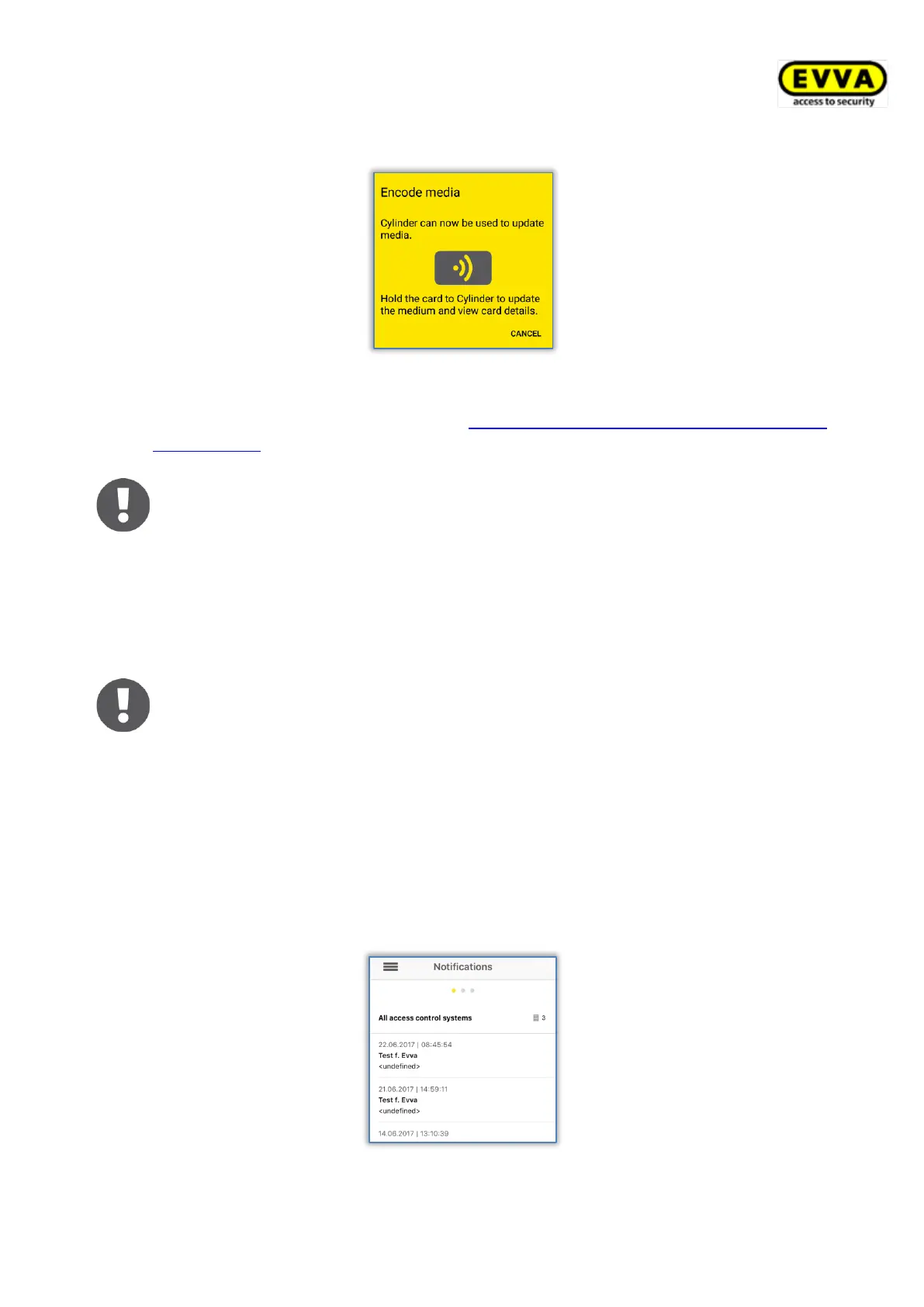
Hold the medium you would like to update to the locking component.
Figure 225: Encoding media
> Now follow the instructions described in Adding cards, key fobs, and combi keys using
a smartphone.
Start the process at the cylinder manually and not with a medium (card,
key fob, combi key or wristband) to be able to use the "Encode media"
function. Otherwise, the system will complete a normal unlocking procedure
instead of establishing a connection to the smartphone.
Media updates use the battery power of battery-operated locking compo-
nents and thus reduce the batteries’ service life. For this reason, if you
intend to update a significant number of media, we recommend using an
AirKey coding station, smartphone with NFC functionality or a wall reader.
Hands-free mode must be deactivated on the smartphone to enable the
"Encode media" function.
6.8 Authorisation log
Select Authorisation log in the AirKey app main menu and the system opens an event log
with authorisation changes executed by AirKey access control system administrators for your
smartphone.
This event log is always maintained, regardless of the various settings in the AirKey Online
Administration and AirKey app.
Figure 226: Authorisation log


 To Next Page
 Loading...