AirKey system manual version 2.7 |
06/03/2024 | Subject to technical changes and misprints
Alternatively, you can also just place a locking component in factory state on
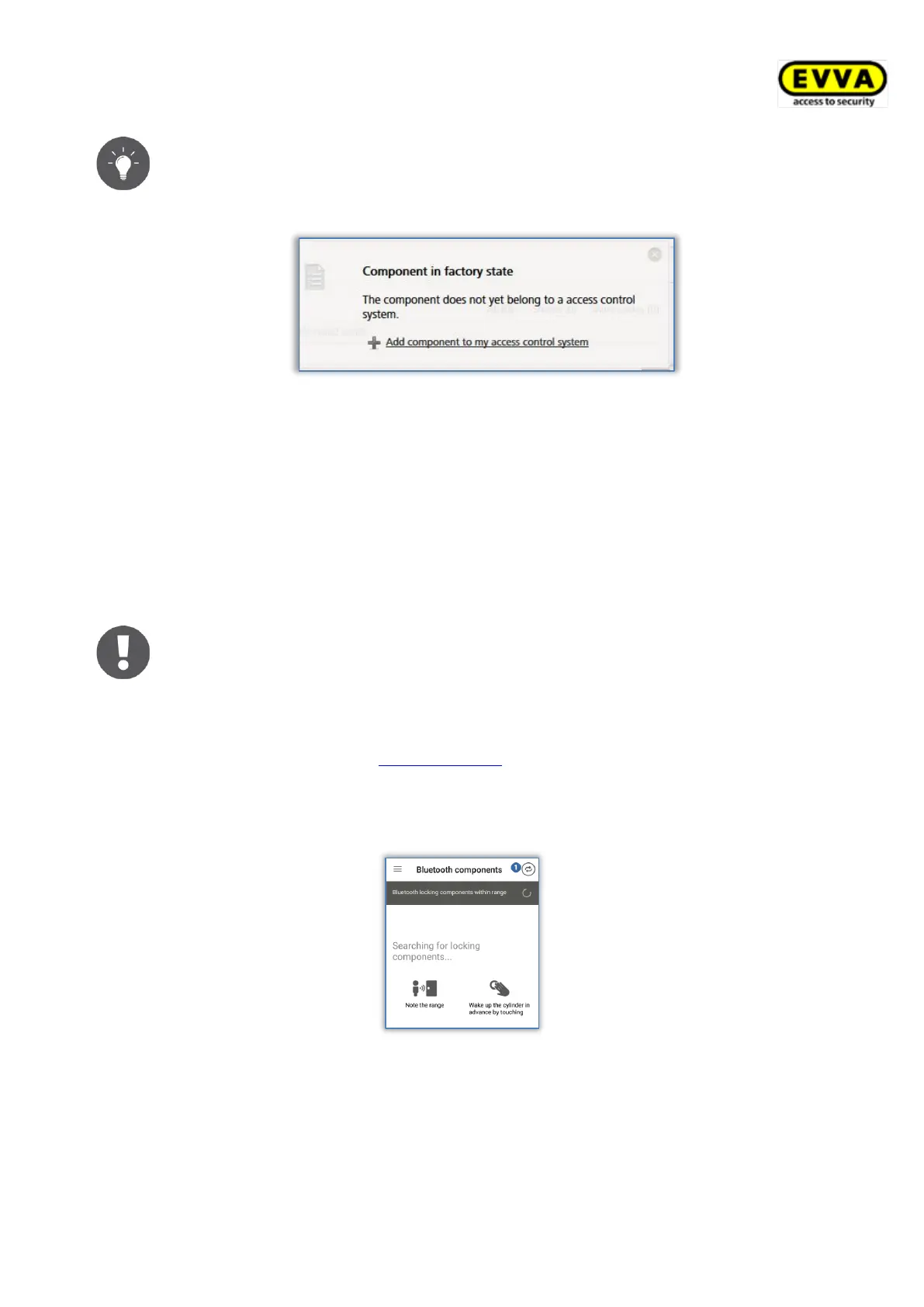
the coding station. An information window appears in the bottom right,
enabling you to also add the locking component to the access control system
using the Add component to my access control system link.
Figure 68: Adding components to my access control system
4.12 Adding cards, key fobs, combi keys, and wristbands
using a smartphone
Access media in factory state are added to access control systems using smartphones with
maintenance authorisation or an optionally available coding station.
> Start the AirKey app.
When using smartphones to add combi keys to the access control system
you must hold the combi key side featuring the RFID icon to the
smartphone. Most models require the combi key to be held directly on the
smartphone.
This action is available using an Android smartphone that is compatible with
NFC. Please refer to the Encoding media section for details on adding media
using Bluetooth with an Android smartphone or an iPhone.
> Tap the Connect to component icon.
Figure 69: AirKey app – connecting to component
> Hold the smartphone to the medium in factory state.
A connection to the medium will be established.


 To Next Page
 Loading...